
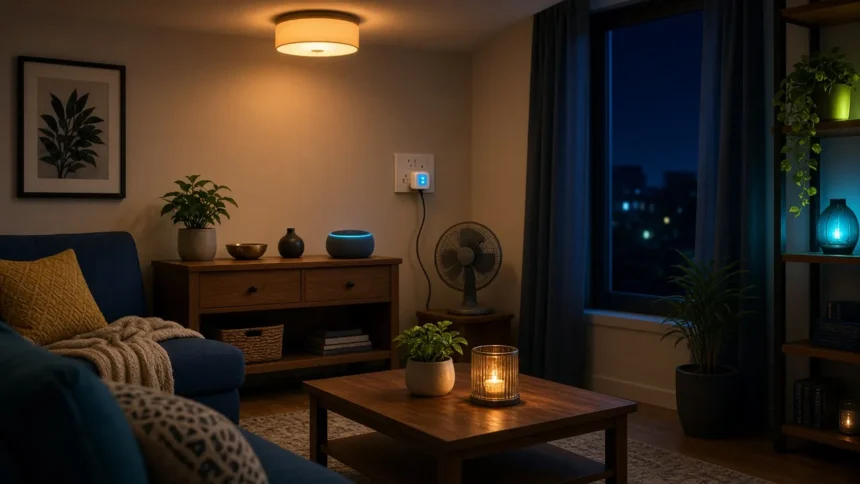
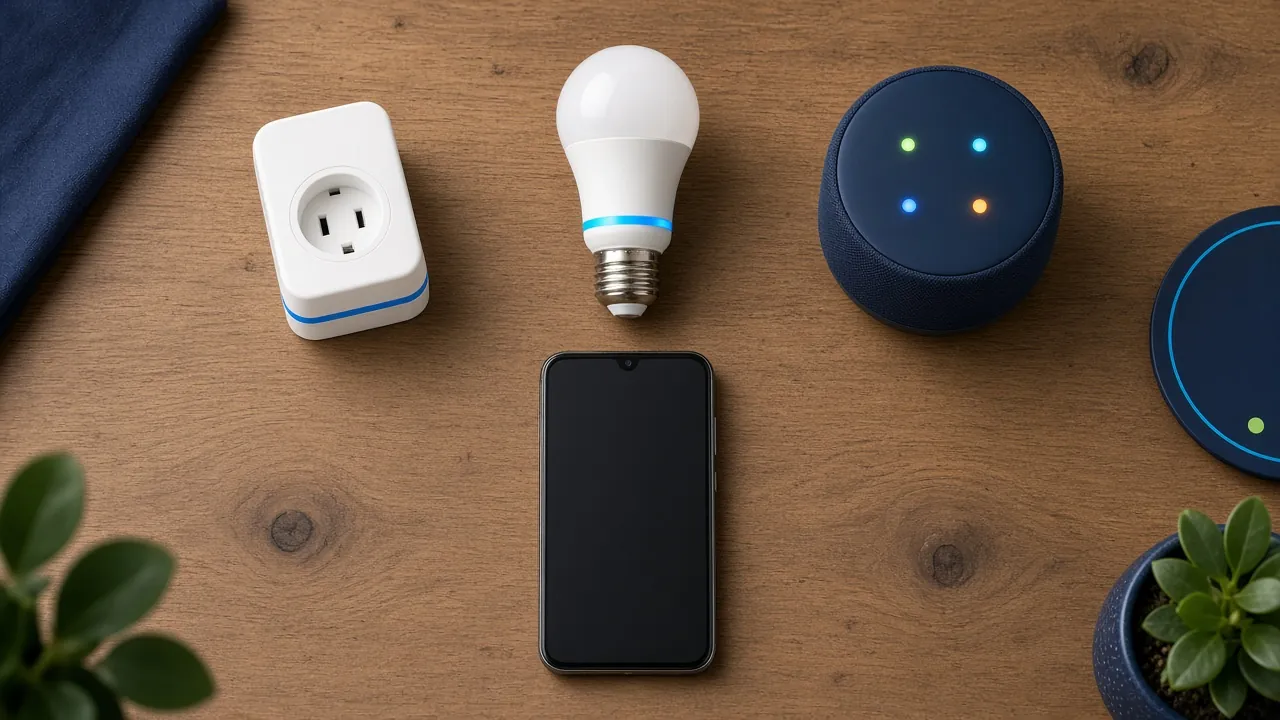
A budget smart home setup in India starts with one Wi-Fi smart plug and one smart bulb, which cost about ₹1,450 together on Amazon.in when we checked. Both connect to your existing 2.4GHz home Wi-Fi with no hub, and both work with Alexa or Google Home from your phone. Pick one of those two assistants, add a speaker later if you want voice control, and buy a hub only when a device needs one.
Key takeaway
- Start small: one smart plug plus one smart bulb, around ₹1,450 at November 2026 prices.
- Pick one ecosystem: Alexa or Google Home, and check every device’s box for it before buying.
- Use 2.4GHz Wi-Fi: most budget plugs and bulbs can’t join a 5GHz network.
- Skip the hub: Wi-Fi plugs, bulbs and cameras don’t need one; Zigbee and Thread devices do.
The under-₹2,000 smart home starter kit
| Device | Example we checked | Price on Amazon.in | What it does for you |
|---|---|---|---|
| Smart plug | TP-Link Tapo P110 (16A, energy monitoring) | ₹849 | Schedules and remote on/off for a geyser, lamp, kettle or mosquito repellent |
| Smart bulb | Wipro 9W Wi-Fi smart LED (E27 listing; B22 version also sold) | ₹599 | Dimming, warm-to-cool white, colours, wake-up and bedtime routines |
| Alternative bulb | Philips WiZ 10W Wi-Fi smart bulb (E27) | ₹582 | Same job; Wi-Fi plus Bluetooth for easier setup |
| Total | One plug + one bulb | About ₹1,450 | Two useful automations on day one |
We’d start with the plug. It turns any “dumb” appliance into a scheduled one, and a 16A model like the P110 handles high-load appliances such as a geyser (check its wattage first). A 10A plug is fine for lamps, chargers and routers. Our roundup of smart plugs that work with Alexa compares more options, including Indian brands like Wipro and Qubo.
For the bulb, check your holder first. Most Indian ceiling and wall holders take B22 (push and twist), while lamps often use E27 (screw). Our guide to smart LED light bulbs explains colour versus white-only bulbs.
Smart home setup in India, step by step
- Check your Wi-Fi: make sure your router broadcasts a 2.4GHz network and that you know its name and password.
- Install the brand app: Tapo, Wipro Smart Home or WiZ. Create an account and turn on Bluetooth and location on your phone for setup.
- Add the device: plug it in or fit the bulb, connect your phone to the 2.4GHz network, and follow the app’s pairing steps.
- Link your assistant: in the Alexa app (Skills) or the Google Home app (Works with Google), link the brand account so the devices appear.
- Name devices clearly: “Bedroom light” and “Geyser” are easier to say than the default names.
- Create one routine: for example, geyser on at 6:30am on weekdays, or the bedroom light dimming to warm white at 10:30pm.
Pick one ecosystem: Alexa or Google Home
| Alexa | Google Home | |
|---|---|---|
| Best for | Homes that want a cheap voice speaker and Hindi voice commands | Android users happy to control things from the phone |
| Phone app | Alexa app (Android and iPhone) | Google Home app (Android and iPhone) |
| Voice without buying a speaker | Through the Alexa app | Through your Android phone’s assistant |
| Speaker in India | Echo Dot (5th Gen) listed at ₹5,499 when we checked | Optional; check current availability |
| Matter support | Yes, on Echo Pop, Echo Dot (2nd Gen and newer) and others | Yes, through the Google Home app and compatible hubs |
Most budget Wi-Fi plugs and bulbs sold in India work with both, so the choice is about how you want to control them. If you want to say “Alexa, turn off the fan plug” from bed, Alexa with an Echo is the cheaper route. If you mostly tap your phone, Google Home on Android costs nothing extra. Mixing both is possible but means two apps, two sets of names and double the troubleshooting.
Make it work with Indian home Wi-Fi
Nearly every budget smart plug and bulb uses 2.4GHz Wi-Fi only. Many dual-band home routers use one network name for both bands, and that can confuse setup. Google’s troubleshooting guide for smart device setup suggests connecting your phone and the device to the 2.4GHz band and turning off AP isolation or guest mode if devices can’t find each other.
- Split the bands if needed: in your router’s admin page, give 2.4GHz and 5GHz different names during setup.
- Don’t use the guest network: devices on it often can’t talk to your phone or speaker.
- Mind the range: a bulb in a far bedroom may drop off. Better router placement helps more than buying a hub; our gaming routers guide covers what good coverage needs.
- Plan for power cuts: Wi-Fi devices go offline when the router does. Keeping the router on the inverter keeps schedules and remote control working. Many smart bulbs come back on after a cut, so check the app for a power-on setting.
When you need a hub (and when you don’t)
Wi-Fi plugs, bulbs, cameras and doorbells talk straight to your router. You need a hub only for devices that use Zigbee or Thread, such as many battery sensors and some door locks. Even then, an Echo or a Google speaker with a built-in Thread border router can play that role.
Matter is the standard to watch. The Connectivity Standards Alliance Matter page says Matter devices work across Apple Home, Google Home, Amazon Alexa, Samsung SmartThings and Home Assistant. Amazon’s Alexa Matter documentation lists the Echo Pop and Echo Dot among Echo devices that can add Matter devices without a separate hub. A Matter logo on the box keeps your options open if you switch ecosystems later.
Who this budget setup suits
| Who | Why | |
|---|---|---|
| Best for | Renters, students and first-time buyers | No wiring, no hub, and everything moves with you |
| Best for | Families who want geyser and light schedules | Two devices cover the most-used daily routines |
| Not ideal for | Homes with weak or unstable Wi-Fi | Devices drop offline; fix the router first |
| Not ideal for | People who want to automate the whole house at once | Wired smart switches and an electrician make more sense |
| Watch out for | Air conditioners and motor appliances on small plugs | Check the plug’s amp rating and the maker’s limits before connecting |
⚠️ Warning: a smart bulb needs constant power. If someone turns off the wall switch, the app and voice control stop working until it’s switched back on. Tell the family, or put a sticker on the switch.
What to add next
Once the plug and bulb run reliably for a few weeks, add devices one at a time. A smart doorbell with two-way audio lets you answer the door from your phone, and Wi-Fi security cameras for home cover entrances and parking. If you outgrow Alexa or Google, our list of Wi-Fi bulbs for Home Assistant names Indian bulbs that work with local control. A robot vacuum for busy households is a bigger spend that also fits into Alexa and Google routines.
Common mistakes when starting a smart home
- Buying devices from three different apps and two assistants in the first month.
- Trying to set up a 2.4GHz-only device while the phone is on the 5GHz band.
- Buying an E27 bulb for a B22 holder (or the other way round).
- Putting a heavy appliance on a 10A smart plug.
- Buying a hub before owning a single device that needs one.
- Using a weak password on the brand app. Turn on two-step verification on your Amazon or Google account.
What to buy first
Our pick for a first purchase is one 16A Wi-Fi smart plug with energy monitoring and one Wi-Fi smart bulb in the right base for your room. If you want voice control, add an Echo during a sale rather than at full price. Splitting a speaker bundle into EMIs rarely makes sense at this price; our post on the EMI trap for tech buys explains why.
How we researched this
This guide is research-based, not hands-on. We checked prices and listings on Amazon.in, Google Home help pages, Amazon’s Alexa Matter documentation and the Connectivity Standards Alliance’s Matter material. We haven’t installed these specific devices for this article. Prices and availability last checked: November 2026.
Frequently asked questions
What is the cheapest smart home setup in India?
A single Wi-Fi smart plug or smart bulb is the cheapest start, at roughly ₹600 to ₹850 each on Amazon.in in November 2026. Together they cost about ₹1,450. You control them from a free app on your phone, so a smart speaker is optional.
Do I need an Alexa or Google speaker for a smart home?
No. Wi-Fi smart plugs and bulbs work from their own app and from the Alexa or Google Home app on your phone. A speaker adds hands-free voice control and can act as a Matter or Thread controller, so buy one later if you find yourself wanting it.
Do smart plugs and bulbs work on 5GHz Wi-Fi?
Most budget models don’t; they support only 2.4GHz Wi-Fi. If your router uses one name for both bands, setup can fail. Connect your phone to the 2.4GHz band during setup, or give the two bands separate names in the router settings.
Alexa or Google Home: which is better for Indian homes?
Alexa suits homes that want a low-cost voice speaker and Hindi voice commands. Google Home suits Android users who control things from their phone. Most budget Indian plugs and bulbs support both, so pick the one your family will use and stick with it.
Do smart devices work during power cuts?
No, not while the power is out, and they also lose app control when the router goes down. Keep the router on an inverter or UPS so remote control returns quickly. Check whether your bulb turns back on after power returns and change the power-on setting if needed.
Can I use a smart plug with a geyser or AC?
A 16A smart plug can run many geysers within its wattage limit. Air conditioners and motor appliances are riskier: some plug makers, including TP-Link for the Tapo P100, warn against compressors above a set rating. Check the plug’s limits and the appliance’s power draw first.
Is a smart home safe from hackers?
It’s reasonably safe if you follow basic steps: use a strong Wi-Fi password, turn on two-step verification on your Amazon or Google account, keep device firmware updated and buy from known brands. Cheap unbranded devices with unknown apps carry more risk.
What is Matter and do I need it?
Matter is a smart home standard that lets one device work with Alexa, Google Home, Apple Home and others. You don’t need it to start, but a Matter-certified plug or bulb keeps your options open if you switch ecosystems later.
Our verdict
For most homes, the best smart home setup in India starts with a 16A smart plug and a B22 or E27 smart bulb, for about ₹1,450. Pick Alexa if you want a cheap voice speaker, or Google Home if your phone is enough. Avoid hubs and multi-brand shopping sprees until those two devices earn their place. Before buying, confirm your router has a 2.4GHz network: it’s the step that trips up most first setups. When you’re ready for standards, our explainer on Matter vs Thread vs Zigbee shows what to buy next.