

To choose a graphics card, start with your monitor’s resolution and the games or apps you run. Then check three things: VRAM, your power supply and whether the card physically fits your case. The boost clock printed on the box matters least. For most 1080p gamers, a card with 12GB or more of VRAM is the sensible starting point, while 1440p at high refresh rates needs RTX 5070 or RX 9070-class power.
Key takeaway
- Decide by screen first: resolution and refresh rate set how much GPU you need.
- VRAM: 8GB is fine for esports at 1080p; 12-16GB is the safer buy for new games.
- Power and fit: check the maker’s recommended PSU wattage, the power connector and the card’s length before you pay.
- Ignore: boost clocks, factory-overclock badges and frame-generation charts.
Do you need a graphics card at all?
If you mostly browse, study, code, stream video or play light games like Minecraft or older titles, the graphics built into a modern Intel or AMD processor may be enough. Our guide to integrated vs dedicated graphics explains where that line sits. A dedicated card earns its price for modern 3D games, video editing with effects, 3D rendering and running AI models locally.
Laptop owners can’t swap the GPU. If your laptop has a Thunderbolt or USB4 port, an external GPU enclosure for laptops is the only upgrade path, and it costs more than a desktop card alone.
How to choose a graphics card by resolution
Resolution decides how many pixels the card must draw every frame. 1440p is about 1.8 times the pixels of 1080p, and 4K is four times. A card that runs a game smoothly at 1080p can struggle at 4K, so pick the GPU for the monitor you own or plan to buy next.
| Your screen and games | VRAM to aim for | Card class to look at (Nov 2026) |
|---|---|---|
| 1080p esports (Valorant, CS2, Fortnite) | 8GB works | RTX 5060, RX 9060 XT 8GB, Arc B580 |
| 1080p new AAA games on high settings | 12-16GB | RTX 5060 Ti 16GB, RX 9060 XT 16GB, Arc B580 12GB |
| 1440p at 144Hz or more | 12-16GB | RTX 5070, RX 9070, RX 9070 XT |
| 4K or heavy ray tracing | 16GB or more | RTX 5070 Ti and above, RX 9070 XT |
| Video editing, 3D, local AI | 16GB or more | NVIDIA cards are the safer bet for app support |
Match the refresh rate too. A 165Hz monitor only feels smooth if the card can push frame rates near that number. If you’re still picking a screen, our list of budget 144Hz gaming monitors pairs well with the 1080p and 1440p rows above.
Games and apps decide NVIDIA, AMD or Intel
- NVIDIA: DLSS upscaling is in a large number of games, and CUDA is the default for Blender, DaVinci Resolve effects and most local AI tools. Choose it if you create as well as play.
- AMD: the Radeon RX 9060 XT and RX 9070 series offer 16GB versions in the mid-range, which helps in texture-heavy games. FSR upscaling works across many titles.
- Intel Arc: the B580 gives 12GB at an entry price. Intel requires Resizable BAR to be enabled on your motherboard, and you should check performance in the specific older games you play.
- Creators: look at app support lists before gaming charts. Our picks of GPUs for 3D modeling and rendering cover that side.
VRAM: how much you need
VRAM is the card’s own memory. It holds textures, shadows and the frames being drawn. When a game needs more than the card has, it borrows slower system RAM, and you see stutter and blurry textures that load late, even if the average frame rate looks fine.
- 8GB: fine for esports and older games at 1080p. New AAA games at high texture settings can run out.
- 12GB: comfortable at 1080p and workable at 1440p.
- 16GB: the safe buy for 1440p, 4K, ray tracing, video editing and AI models.
- More than 16GB: mostly for 4K with path tracing, large 3D scenes and big local AI models.
If your budget caps you at 8GB, buy the best one carefully. Our list of the best 8GB VRAM graphics cards covers which ones hold up.
⚠️ Watch out for: some cards share one name across two memory sizes. NVIDIA sells the RTX 5060 Ti in 8GB and 16GB versions, and AMD does the same with the RX 9060 XT. Check the memory size on the listing, not just the model name.
Power supply: wattage, connectors and quality
Every GPU maker publishes a recommended total PSU wattage for a full PC built around the card. These are the official figures, which assume a high-end CPU, so they leave headroom.
| Card | Card power (official) | Recommended PSU | Power connector |
|---|---|---|---|
| RTX 5060 | 145W | 550W | 1x 8-pin or 12V-2×6 |
| RTX 5060 Ti | 180W | 600W | 1x 8-pin or 12V-2×6 |
| RTX 5070 | 250W | 650W | 2x 8-pin via adapter or 12V-2×6 |
| RTX 5070 Ti | 300W | 750W | 2x 8-pin via adapter or 12V-2×6 |
| Radeon RX 9060 XT | 160W | 450W minimum | Varies by card maker |
| Radeon RX 9070 XT | 304W | 750W minimum | Varies by card maker |
| Arc B580 (Intel card) | 190W | 600W | 1x 8-pin |
Wattage is only half of it. A no-name 500W unit that came free with a budget cabinet may not deliver that power steadily, and it may lack the cables your card needs. Use a PSU from a known brand with the right connectors, and replace it before the GPU if it’s old or unbranded. NVIDIA’s RTX 5070 family spec page also recommends a PCIe CEM 5.1 compliant PSU for its newest cards.
💡 Expert tip: if your card uses the 16-pin 12V-2×6 connector, push it in until it clicks and avoid bending the cable sharply right at the plug. A connector that isn’t fully seated is a common cause of melted plugs.
Case fit: length, thickness and clearance
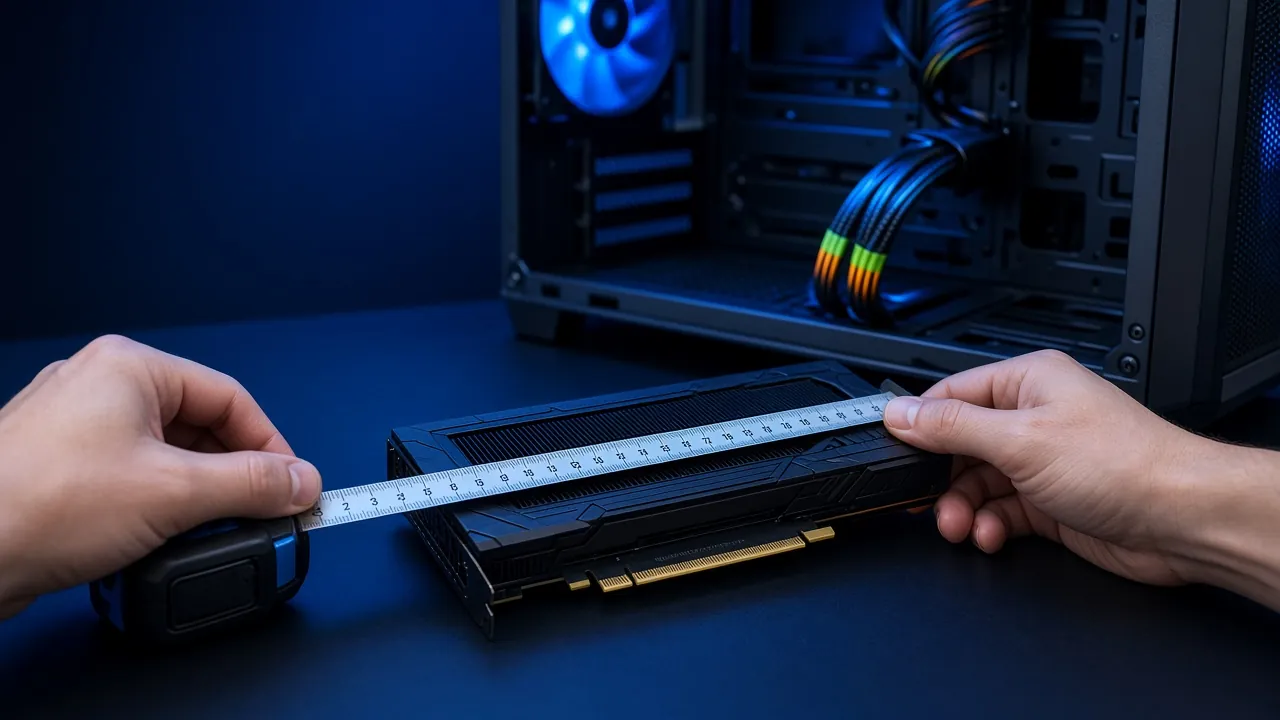
Graphics cards keep getting longer and thicker. NVIDIA’s own RTX 5070 is 242mm long and two slots thick, while partner versions of a single chip can vary a lot: listed Arc B580 models range from about 230mm to over 310mm. Check three numbers before buying.
- Length: find “max GPU length” on your cabinet’s spec sheet and subtract the thickness of any front fans or radiator.
- Thickness: a 2.5 or 3-slot card can block a second M.2 heatsink or a lower PCIe slot.
- Height and cables: leave room for the power cable to exit the card without being crushed by the side panel.
Also check the motherboard slot. Any full-size PCIe x16 slot works, but Intel’s Arc B580 specifications list a PCIe 4.0 x8 link, so on an older PCIe 3.0 board it has half the bandwidth to work with. Turn on Resizable BAR in the BIOS for Arc cards.
What to ignore on the box
Boost clock is the most overused number on a GPU box. NVIDIA’s own spec sheet lists the RTX 5070 at a 2.51GHz boost clock and the faster RTX 5070 Ti at 2.45GHz. The Ti wins because it has 8,960 CUDA cores against 6,144 and more memory bandwidth. A factory overclock adds a few per cent at most.
- Frame-generation charts: marketing graphs often use multi-frame generation, which adds generated frames but not lower input lag. Compare reviews that show native and upscaled results.
- AI TOPS figures: useful for comparing within one brand, meaningless for picking a gaming card.
- RGB and “gaming” branding: look at the cooler size and the warranty instead.
Will your CPU hold the card back?
At 1080p in esports games, the CPU often limits frame rates before the GPU does. At 1440p and 4K the GPU does most of the work. If your processor has four cores or fewer, budget for a CPU upgrade too; our explainer on how CPU cores and threads differ helps you judge what you have.
What to buy
NVIDIA’s India site lists starting prices of ₹33,000 for the RTX 5060, ₹42,000 for the RTX 5060 Ti, ₹66,000 for the RTX 5070 and ₹82,000 for the RTX 5070 Ti (checked November 2026). Street prices on Amazon.in and Flipkart move often, so compare on the day.
- Tight budget, 1080p esports: an 8GB card from the picks linked above is enough.
- 1080p AAA and future-proofing: a 12-16GB card such as the RTX 5060 Ti 16GB, RX 9060 XT 16GB or Arc B580.
- 1440p and 4K: our list of high-end GPUs worth buying covers RTX 5070-class cards and up, plus AMD’s RX 9070 series. AMD’s RX 9070 XT product page lists its full specs.
Common mistakes when buying a graphics card
- Buying an 8GB card for 1440p AAA gaming and then lowering textures in every new game.
- Keeping an old or unbranded PSU that can’t power the new card reliably.
- Not measuring the cabinet, then finding the card hits the front fans.
- Paying extra for a factory-overclocked model instead of a better cooler or more VRAM.
- Pairing a high-end card with a 1080p 60Hz monitor that can’t show the difference.
Before you spend money: a quick checklist
- Write down your monitor resolution and refresh rate, plus the three games or apps you use most.
- Pick the VRAM size from the tables above, and confirm the exact memory version on the listing.
- Check your PSU wattage, brand and free PCIe power connectors against the card maker’s figures.
- Measure the space inside your cabinet and compare it with the specific model’s length and slot width.
- Confirm the warranty terms and whether the seller handles claims in India.
How we researched this
This guide is research-based, not hands-on. We compared official spec pages from NVIDIA, AMD and Intel for power, memory and size figures, and read how current guides and reviews frame the buying decision. We haven’t benchmarked these cards for this article. Last checked: November 2026.
Frequently asked questions
How to choose a graphics card for my PC?
Start with your monitor resolution and the games or apps you use, then pick a VRAM size: 8GB for 1080p esports, 12-16GB for new games, 16GB for 1440p and 4K. Finally check your PSU wattage, power connectors and cabinet length before you buy.
Is 8GB of VRAM enough in 2026?
For esports and older games at 1080p, yes. For new AAA games at high texture settings, 8GB can run out and cause stutter or late-loading textures. If you plan to keep the card for three or more years, a 12GB or 16GB model is the safer buy.
How do I know if a graphics card will fit my case?
Check your cabinet’s maximum GPU length on its spec sheet, subtract any front fans or radiator, and compare it with the exact model’s length and slot thickness. Also leave room for the power cable at the card’s edge so the side panel doesn’t press on it.
What power supply do I need for a new GPU?
Use the card maker’s recommended system wattage as your floor: for example, NVIDIA lists 550W for the RTX 5060 and 650W for the RTX 5070, and AMD lists 750W for the RX 9070 XT. Choose a known brand with the right PCIe or 12V-2×6 connectors.
Does a higher boost clock mean a faster graphics card?
No. Boost clock only compares cards built on the same chip. NVIDIA’s RTX 5070 Ti has a lower listed boost clock than the RTX 5070 yet is faster, because it has far more CUDA cores and memory bandwidth. Compare reviews, not clock speeds.
NVIDIA or AMD: which is better for gaming?
Both make strong gaming cards in 2026. NVIDIA has wider DLSS support and stronger app support for creators and AI. AMD often gives you 16GB at mid-range prices. Compare the two cards in your budget in the specific games you play.
Can I put a new graphics card in an old PC?
Usually, if the motherboard has a full-size PCIe x16 slot, the PSU meets the card’s wattage and connector needs, and the case is long enough. Very old quad-core CPUs can hold back frame rates, and Intel Arc cards need Resizable BAR enabled in the BIOS.
Is the Intel Arc B580 a good budget pick?
It’s a sensible entry card for 1080p because it gives 12GB of VRAM. Intel recommends a 600W PSU and Resizable BAR. On older PCIe 3.0 motherboards it runs with less bandwidth, so check reviews on similar older systems before buying.
Our verdict
If you’re unsure how to choose a graphics card, decide by your screen first: 1080p esports players can live with 8GB, most 1080p and 1440p gamers should buy a 12-16GB card, and 4K or creative work starts at 16GB with RTX 5070 Ti or RX 9070 XT power. Whatever you pick, confirm the PSU and cabinet clearance before checkout; those are the parts buyers forget. For a fuller memory breakdown, see our guide to how much VRAM you need.