


How to reduce ping: plug your PC or console into the router with an Ethernet cable, pick the game server closest to you, and stop downloads and uploads while you play. Those three steps fix most lag. Ping is set mainly by the distance to the game server and the route your ISP takes, so a faster plan or a pricier router rarely lowers it, and “gaming VPNs” usually add a stop instead of removing one.
Key takeaway
- Ping is the round-trip time between your device and the game server, in milliseconds. Low matters, and steady matters just as much.
- Distance sets the floor: light in optical fibre covers about 200 km per millisecond, so every 100 km to the server adds roughly 1 ms of round-trip ping before any routing delay.
- What helps: a wired connection, the nearest server, no background transfers, and QoS when others share your Wi-Fi.
- What rarely helps: a bigger Mbps plan, changing DNS, “ping booster” apps and most gaming VPNs.
Ping, latency, jitter and packet loss explained
These four words get mixed up in every lag complaint. They describe different problems, and each one has a different fix.
| Term | What it means | What you notice in game |
|---|---|---|
| Ping (latency) | Time for data to reach the server and come back, in ms | Enemies appear late, you lose close fights you thought you won |
| Jitter | How much your ping jumps around from moment to moment | Rubber-banding and an inconsistent feel even when the average looks fine |
| Packet loss | Data that never arrives and has to be skipped or resent | Players teleport, shots don’t register, brief freezes |
| Bandwidth (Mbps) | How much data your connection can move per second | Download speed for game updates; it barely affects ping during a match |
Riot’s guide to Valorant network instability warnings describes the effect of high ping well: you see a more delayed view of the world, which increases peeker’s advantage. It also says good wireless and most wired connections should show near-zero packet loss. If yours doesn’t, that’s a fault to fix, not a setting to tweak.
One more mix-up: frame rate isn’t ping. A 240Hz esports monitor cuts the delay between your GPU and your eyes, but it does nothing for the delay between your router and the server.
What causes high ping, and what doesn’t
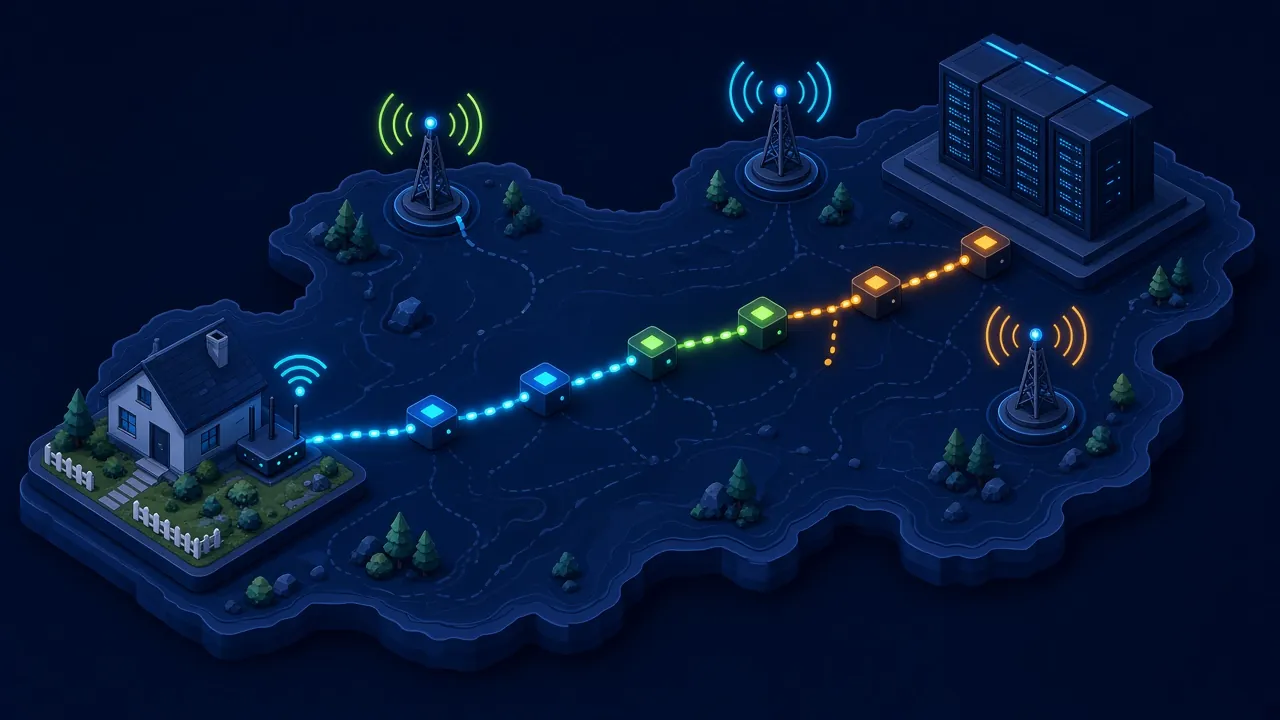
- Distance to the server: the biggest factor. Mumbai to Singapore is about 3,900 km in a straight line, so the physics alone adds roughly 39 ms of round trip, and real cable routes are longer.
- Your ISP’s route: your data passes through several networks before it reaches the game. A route that detours through another city, or another country, adds delay you can’t fix from home.
- Wi-Fi: walls, distance and crowded channels in apartment blocks cause spikes and packet loss more than a steady high ping.
- Traffic on your own network: a 4K stream on the TV, a Steam or PlayStation download, Windows Update or a phone backing up photos can fill the line and make every packet wait.
- The server itself: sometimes the problem is on the game’s side. Check the official status page before you restart everything.
What usually doesn’t matter: your plan’s headline speed. Games send small, frequent packets, so once your connection isn’t being filled by other traffic, going from 100 Mbps to 300 Mbps won’t move your ping.
India server reality for Valorant and BGMI
Valorant players in India got local servers in October 2020, when Riot opened a Mumbai data centre as part of its Asia-Pacific shard. Riot’s Server Select support page lists Mumbai alongside Singapore, Hong Kong, Tokyo, Sydney and Manila for the AP region, and the party leader or a solo player can choose which servers to queue on.
For most Indian players, Mumbai should be the lowest. Location within India still matters: Delhi is about 1,150 km from Mumbai and Kolkata about 1,650 km, so players there start with a higher floor than someone in Pune. If your ISP routes Mumbai traffic badly, compare the ping shown for Mumbai and Singapore and queue on whichever is steadier.
BGMI is Krafton’s separate India release, and Krafton doesn’t publish where its match servers sit. Its BGMI privacy policy says player data is stored and processed on servers in India and Singapore, which is about data storage, not a guide to match routing. In practice, watch the in-game ping indicator and compare it across Wi-Fi, mobile data and times of day.
⚠️ Watch out for: playing on a server outside your region to find “easier lobbies”. The extra distance adds ping you can’t remove, and you’re the one who pays for it in every gunfight.
How to reduce ping: fixes in order
Start at the top. Each step is cheaper and more likely to help than the one after it.
1. Use a wired connection
Ethernet removes Wi-Fi interference, which is the most common cause of spikes and packet loss at home. Riot’s troubleshooting steps for both high ping and packet loss include switching to a wired connection. A Cat 6 cable to the router is the single best upgrade you can buy for online games.
Thin laptops often skip the Ethernet port. A USB-C hub with Ethernet solves that. If the router is in another room, powerline adapters or a mesh system with a wired link between units beat a long Wi-Fi hop.
2. If you must use Wi-Fi, make it a strong one
- Connect on 5 GHz (or 6 GHz on Wi-Fi 6E and Wi-Fi 7 routers). The 2.4 GHz band is crowded in most apartment buildings.
- Play in the same room as the router, with as few walls between you as possible.
- On a phone, BGMI over a strong home Wi-Fi signal is usually steadier than mobile data in a crowded area, but test both.
3. Pick the closest server
In Valorant, queue on Mumbai unless your connection shows a steadier ping elsewhere. In other games, choose the region with the lowest ping shown in the server list, even if another region has shorter queue times.
4. Stop background traffic while you play
Pause game launcher downloads, Windows Update, OneDrive or Google Photos backups, and torrent clients. Ask the household to hold off on big uploads during ranked matches. Uploads are the sneaky ones: a phone backing up videos can clog the line even when nobody is streaming.
5. Turn on QoS or device priority
Quality of Service (QoS) tells the router which device or traffic to send first when the line is busy. It helps when several people share one connection. It can’t shorten the distance to the server, so it does nothing on an otherwise idle network. Our pick of gaming routers for lag-free play covers which models make QoS easy to set up.
6. Restart and update your equipment
Power off the modem or ONT and router for 30 seconds, then start the modem first. Update the router firmware from its app or admin page. Swap a frayed or cheap flat Ethernet cable if spikes continue.
7. Measure packet loss and take it to your ISP
In Valorant, open Settings > Video > Stats and turn on the packet loss and round-trip time graphs. On Windows, run tracert or pathping to the game’s address to see where delay or loss starts. If the trouble shows up on a wired connection, Riot notes that physical damage to the ISP’s cable is a common cause, so send your ISP the results.
If a friend on a different ISP in your city gets clearly lower ping to the same server, the route is the problem. Switching ISP, or moving from a congested connection to fibre, is then the only fix that works.
8. Turn off VPNs and proxies
Riot’s network troubleshooting advice is to try your connection without a VPN or proxy, since they can cause connection problems and should only be used if necessary. The next section covers why.
Do gaming VPNs and ping booster apps work?
Rarely. A VPN sends your traffic to its own server first, then on to the game. That’s an extra stop plus encryption overhead. It can only lower ping in one narrow case: your ISP’s normal route is badly broken, and the VPN’s network happens to take a shorter path to the game server.
If you want to test one, use a free trial, compare the in-game ping with it on and off at the same time of day, and don’t pay for a year upfront. “Ping booster” phone apps that promise lower ping by clearing memory don’t change network distance at all.
| Fix | Lowers ping? | Reduces spikes or packet loss? |
|---|---|---|
| Ethernet instead of Wi-Fi | A little | Yes, usually the biggest gain |
| Closest server | Yes | Often |
| Stopping background downloads and uploads | Yes, when the line was busy | Yes |
| QoS or device priority | Only on a busy home network | Yes, on a shared connection |
| Faster Mbps plan | Rarely | Only if the line was full |
| Changing DNS | No (DNS only finds the server address) | No |
| Gaming VPN | Rarely, sometimes worse | Rarely |
Common mistakes when trying to fix lag
- Upgrading to a faster plan when the real problem is Wi-Fi in the bedroom.
- Buying an expensive router and still playing over 2.4 GHz through two walls.
- Changing DNS servers to “reduce ping”. DNS is used once to find the server’s address, not during the match.
- Blaming the ISP before checking whether someone at home is uploading or downloading.
- Hiding the in-game network indicators instead of reading them. They’re the best data you have about what is going wrong.
What to buy if your setup is the bottleneck
Most players only need a Cat 6 cable. If Wi-Fi coverage is the issue, a router with good 5 GHz range and simple QoS helps more than a high Mbps rating; the router guide linked in step 5 is the place to start.
Handhelds like the Steam Deck, ROG Ally and Nintendo Switch connect over Wi-Fi out of the box, so they suffer most from a weak signal. Our guide to handheld gaming devices compares them; for online play at home, a dock or USB-C hub with an Ethernet port gives them a wired link.
Laptop gamers should check the spec sheet for a built-in Ethernet port before buying. Our list of gaming laptops under ₹70,000 is a good starting point.
How we researched this
This guide is research-based. We used Riot’s official Valorant network and server documentation, Krafton’s BGMI privacy policy and basic network physics (signal speed in optical fibre) for the distance figures. We haven’t published our own ping measurements, because they vary by city, ISP and time of day. Last checked: November 2026.
Frequently asked questions
How to reduce ping on Wi-Fi without a cable?
Move closer to the router, connect on the 5 GHz band instead of 2.4 GHz, and remove walls or furniture between you and the router where possible. Pause downloads on other devices and turn on QoS so your console or PC gets priority. A mesh system or powerline adapter helps if the router is far away.
Does a faster internet plan reduce ping?
Usually not. Ping depends on distance to the server and your ISP’s route, not on how many Mbps your plan offers. A faster plan helps only if your current line gets filled by downloads, uploads or streaming while you play. Otherwise, a wired connection and the right server matter far more.
Can a gaming router lower my ping?
A gaming router can’t shorten the distance to the server, so it won’t lower your base ping. It helps when many devices share the connection: QoS features push game traffic first, which cuts spikes. Better Wi-Fi range also reduces packet loss compared with a weak, old ISP-supplied router.
Do gaming VPNs reduce ping in BGMI or Valorant?
Rarely. A VPN adds an extra server between you and the game, so ping usually stays the same or rises. It only helps when your ISP routes traffic badly and the VPN takes a shorter path. Riot advises testing your connection without a VPN when troubleshooting lag.
Why is my ping high only at night?
Evening is peak time, when many households in your area stream, download and game at once. Your ISP’s local network can get congested, which raises ping and causes spikes. Check whether your own home traffic is the cause first; if not, report the pattern with timings to your ISP.
Which Valorant server should I choose in India?
Mumbai is Riot’s Indian server and is usually the lowest-ping choice for players in India. Riot also lists Singapore, Hong Kong, Tokyo, Sydney and Manila in the Asia-Pacific region. If your ISP routes poorly to Mumbai, compare the ping shown in the client and pick the steadier server.
Is packet loss worse than high ping?
Often, yes. Steady high ping makes everything a little late, which you can partly adapt to. Packet loss means missing data, so players teleport and shots fail to register. Riot says good connections should show near-zero packet loss, so any regular loss is worth fixing with a cable or your ISP.
Does changing DNS improve ping in games?
No. DNS turns a server name into an address, and that lookup happens before you connect, not during the match. A faster DNS server might make websites start loading a moment sooner, but it won’t change the in-game ping, jitter or packet loss you see.
Is mobile data or Wi-Fi better for BGMI?
Strong home Wi-Fi on a fibre connection is usually steadier than mobile data, especially in crowded areas where towers are busy. Mobile data can win if your Wi-Fi signal is weak or your broadband is congested. Test both at the time you usually play and keep whichever shows the steadier ping.
Our verdict
Learning how to reduce ping mostly means removing the problems you control: plug in an Ethernet cable, queue on the nearest server, and keep the line clear of downloads and uploads while you play. Add QoS if your household shares one connection.
Skip the gaming VPN and the faster plan unless a test proves they help. If lag stays bad on a wired connection, collect your packet loss graphs and traceroute results and take them to your ISP. At that point the route is the problem, and only the ISP, or a different one, can fix it.