
For most gamers, 1440p is the best resolution to game at: it looks clearly sharper than 1080p on a 27-inch screen and needs far less GPU power than 4K. Pick 1080p for budget cards or 240Hz esports, and 4K only if you own a high-end GPU or play on a TV from the couch.
Key takeaway
- 1080p: best for entry and mid-range GPUs, 24-25 inch monitors and competitive shooters where frame rate beats detail.
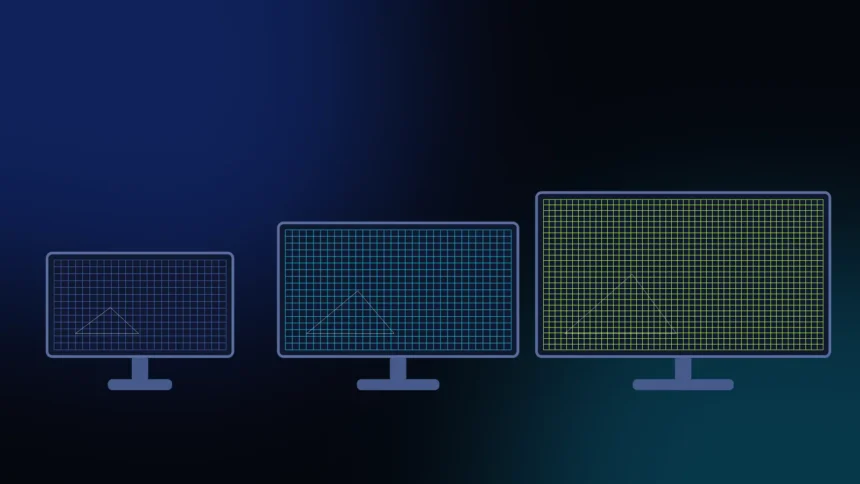
- 1440p: the sweet spot for a 27-inch monitor and for most mid-range GPUs. It has 78% more pixels than 1080p, not 4x.
- 4K: 4x the pixels of 1080p. It suits high-end GPUs, upscaling like DLSS, and big screens, and it costs the most in money and frame rate.
- Rule: match resolution to your GPU first, then to screen size. A great monitor on a weak GPU just lowers your frame rate.
1080p vs 1440p vs 4K at a glance
| Resolution | Pixels | Pixels vs 1080p | Sharpness at common sizes | GPU demand |
|---|---|---|---|---|
| 1080p (1920×1080) | 2.07 million | 1x | About 92 PPI at 24 inches, 82 PPI at 27 inches | Lowest |
| 1440p (2560×1440) | 3.69 million | 1.78x | About 109 PPI at 27 inches, 92 PPI at 32 inches | Medium |
| 4K (3840×2160) | 8.29 million | 4x | About 163 PPI at 27 inches, 138 PPI at 32 inches | Highest |
PPI is the diagonal pixel count divided by the screen size in inches. More PPI means a sharper image at the same viewing distance. The jump from 1080p to 1440p on a 27-inch monitor is easy to see, since PPI rises from about 82 to 109.
What most gamers use
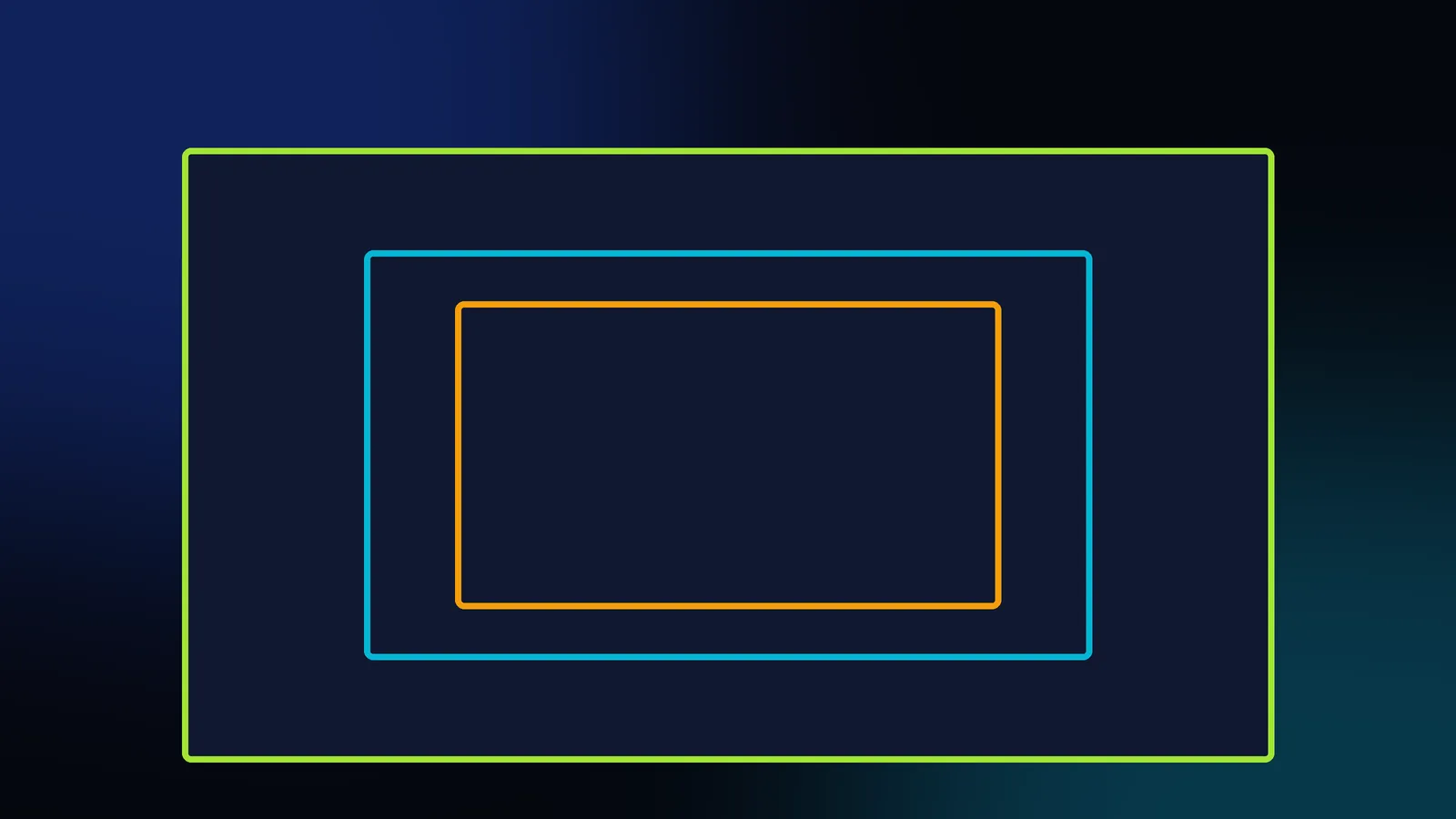
The Steam Hardware Survey for October 2026 shows 1920×1080 as the primary display for 50.23% of Steam users, 2560×1440 for 21.82% and 3840×2160 for 5.05%. Half of Steam users are on 1080p, and 1440p is the clear second choice, well ahead of 4K.
The survey counts what people own, not what is best. Still, it tells you something useful: game developers target 1080p and 1440p first, and most GPUs people own were bought for those two.
Which GPU suits which resolution
Resolution scales the load on your graphics card more than almost any other setting. Going from 1080p to 4K asks it to draw four times as many pixels in every frame.
| GPU class | Sensible target | Why |
|---|---|---|
| Entry cards (RTX 5050, RTX 5060 and 8GB cards) | 1080p | TechPowerUp frames the 8GB RTX 5060 Ti as the pick for people gaming at 1080p |
| Mid-range (RTX 5060 Ti 16GB, RTX 5070) | 1440p | TechPowerUp calls the RTX 5070 a great 1440p card and recommends it for that resolution |
| Upper mid-range (RTX 5070 Ti, RTX 5080 and similar AMD cards) | 1440p high refresh, or 4K with upscaling | Enough power to push 1440p past 144Hz or run 4K with DLSS or similar |
| Top end (RTX 5090 class) | 4K native | The only class that handles demanding 4K games without leaning on upscaling |
In its RTX 5070 review, TechPowerUp measured 12GB of VRAM as enough for 1440p gaming even with ray tracing, but called the card a little weak for 4K without upscaling. That is the pattern: the same GPU that is excellent at 1440p struggles when you ask for 4K.
VRAM matters too. The 8GB RTX 5060 Ti review pitches that version at people gaming purely at 1080p, and the 16GB version at 1440p with DLSS. Our best 8GB VRAM GPUs guide shows what 8GB can still do, and how much VRAM you need explains where it runs out.
Does upscaling change the answer?
Yes. DLSS and similar upscalers draw the game at a lower resolution and scale it up. Engadget’s DLSS explainer lists the render sizes: at a 4K output, Quality mode renders at 1440p and Performance mode at 1080p. At a 1440p output, Quality renders at 960p.
That makes 4K possible on a card that cannot run it natively. The trade-off is some image softness, so a 4K monitor on a mid-range GPU with upscaling is not the same as native 4K. For a 1440p monitor, Quality mode is a good starting point.
Pick your resolution by screen size
- 24-25 inch: 1080p is fine at about 92 PPI. 1440p at this size is very sharp, but you may need to look closely to see the gain.
- 27 inch: 1440p is the default. 1080p at 27 inches (about 82 PPI) looks soft up close, and 4K (163 PPI) is very sharp but costs far more GPU power.
- 32 inch: 4K at 138 PPI is the match. 1440p at 32 inches is about 92 PPI, the same density as 24-inch 1080p, so text looks coarser.
- TV or big screen: 4K is standard, and at couch distance the extra pixels are easier to enjoy. See our 4K TVs for gaming and movies guide.
💡 Expert tip: sit at your normal distance and look at text before you decide. If you can see individual pixels on a 27-inch 1080p monitor, 1440p will fix that. If you cannot see pixels at 1440p, 4K will not look dramatically better on that size.
Frame rate and refresh rate matter as much as pixels
A 1440p 165Hz monitor is a better gaming screen than a 4K 60Hz one for most players. Resolution is only one number. Refresh rate and response time decide how smooth motion looks, which is why refresh rate vs response time is worth a read before you buy.
For competitive shooters, many players choose 1080p at 240Hz or more to keep frame rates high. Our guide to 240Hz esports monitors covers those. For a broader mix of games, see gaming monitors for 144Hz performance.
Ports and cables matter at the top end. High refresh rates at 1440p and 4K need a recent DisplayPort or HDMI port and a good cable. Our HDMI vs DisplayPort vs USB-C explainer shows which to use.
Common mistakes
- Buying a 4K monitor for a mid-range GPU. You will end up turning settings down or using upscaling heavily. A 1440p monitor would look cleaner at a higher frame rate.
- Running 1440p on a 24-inch screen for no reason. It is sharp, but UI scaling and a small panel mean you may not see the gain.
- Ignoring the monitor when you upgrade a GPU. A new card on a 1080p 60Hz screen leaves most of its power unused.
- Forgetting VRAM. Higher resolution and high texture settings use more video memory, so an 8GB card hits its limit sooner.
- Playing non-native resolution. Running 1080p on a 1440p or 4K panel looks soft. Use upscaling inside the game instead.
What to buy
If you have a GPU in the RTX 5060 Ti to RTX 5070 range or similar, buy a 27-inch 1440p monitor with 144Hz or more. Our how to choose a monitor guide covers panel type, size and other specs, and the gaming monitors guide linked above lists models.
Stay on 1080p if your card has 8GB and you want high frame rates, or if you play mainly esports titles. Move to 4K when you have a high-end card and a 32-inch screen, or play on a console and TV.
How we researched this
This guide is research-based. We calculated pixel counts and PPI from the resolutions, used the Steam Hardware Survey for October 2026, and drew GPU guidance from TechPowerUp’s RTX 5070 and RTX 5060 Ti 8GB reviews and Engadget’s DLSS explainer. We did not run our own benchmarks for this guide. Last checked: November 2026.
Frequently asked questions
Is 1440p worth it over 1080p for gaming?
Yes, if your GPU can hold your target frame rate at 1440p. A 27-inch 1440p monitor is about 109 PPI against 82 PPI for 1080p at that size, so text and detail look sharper. If your card struggles at 1440p, stay at 1080p.
Is 4K gaming worth it in 2026?
Only with the right hardware. 4K needs four times the pixels of 1080p, so it suits high-end GPUs or upscaling like DLSS. On a mid-range card, 1440p usually gives a better mix of sharpness and frame rate. Steam data shows only 5.05% of users on 4K.
What resolution is best for a 27-inch gaming monitor?
1440p is the best fit. At about 109 PPI it looks sharp without needing a very powerful GPU. 1080p at 27 inches looks soft at around 82 PPI, and 4K at about 163 PPI needs a strong card to run well in new games.
Can an RTX 5060 run 1440p?
It can in many games with lower settings or upscaling, but 1080p is the safer target. TechPowerUp frames 8GB cards as suited to 1080p. For reliable 1440p at high settings, a card with 12GB or more of VRAM, like the RTX 5070, is a better match.
Is 1080p still good enough in 2026?
Yes. It is still the most common resolution, with 50.23% of Steam users in the October 2026 survey. It works well on a 24-inch monitor, on budget GPUs and in esports, where high frame rates matter more than extra detail.
Does 4K need a bigger monitor to look better?
Larger screens show the benefit more. At 27 inches 4K is about 163 PPI and the gain over 1440p is hard to see. At 32 inches, 4K is about 138 PPI, a clear step up from 1440p at 92 PPI.
Should I use DLSS at 4K or play at native 1440p?
It depends on the game and card. DLSS Quality at 4K renders at 1440p internally but outputs a true 4K image. Native 1440p on a 1440p monitor avoids upscaling altogether, and costs less. Running 1440p natively on a 4K panel looks soft.
Which is better for gaming: 1440p 165Hz or 4K 60Hz?
For most players, 1440p at 165Hz. The extra frames make motion smoother and more responsive, which you notice in every game. 4K 60Hz is sharper in static scenes but feels slower, and it costs a lot more GPU power.
Our verdict
Buy the resolution your GPU can hold at a smooth frame rate. For most players that means a 27-inch 1440p monitor at 144Hz or more. Choose 1080p for entry cards, 24-inch screens and esports, and 4K for high-end GPUs, 32-inch panels and TVs.
Upgrade the GPU and monitor as a pair. If you are unsure, start at 1440p: it is the one choice you are unlikely to regret.