
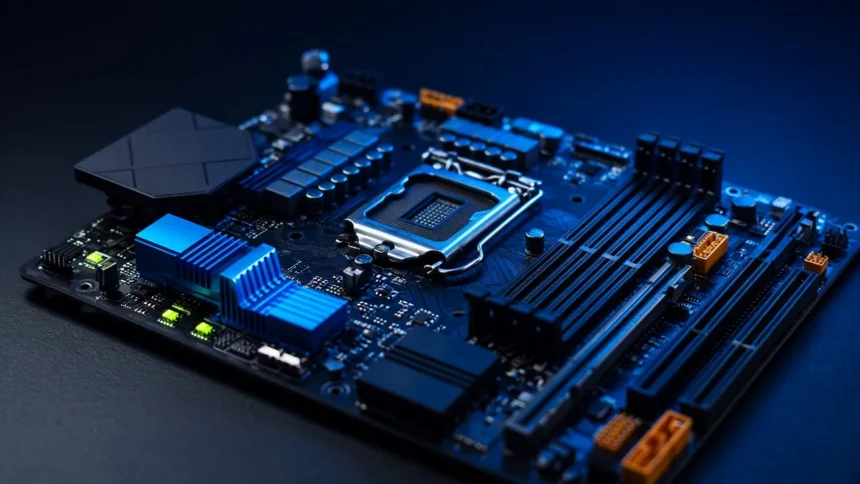
A motherboard chipset decides which features your CPU is allowed to use on that board: overclocking, how many PCIe lanes and fast USB ports you get, and how many SSDs you can fit. The first letter tells you the tier. Z (Intel) and X (AMD) are the top boards, B is the mainstream middle, and H or A is entry level.
For a single graphics card and one or two SSDs, a B-series board does the job for most builders.
Key takeaway
- The chipset sets the feature list: CPU overclocking, extra PCIe lanes, USB port count and SATA ports. It doesn’t make the processor faster at stock settings.
- Letters tell you the tier: Intel uses Z, B and H (Z890, B860, H810). AMD uses X, B and A (X870E, B850, A620). An “E” on AMD means PCIe 5.0 for both the graphics card and an SSD.
- CPU overclocking needs the right board: any Intel Z board, or any AMD AM5 board except A620 and B840. Intel B boards still allow memory overclocking (XMP).
- PCIe 5.0 graphics barely matters today: TechPowerUp measured about a 1% loss for an RTX 5090 running at PCIe 4.0 x16 instead of 5.0.
- Before you buy: pick the chipset for the ports and slots you need, then compare the actual board. Power delivery and cooling vary more between boards than chipsets do.
Motherboard chipset explained: what the chip on the board does
Your processor connects directly to the most important parts: the main graphics card slot, the first M.2 SSD slot and the RAM. Everything else (extra M.2 slots, most USB ports, SATA drives, network chips, Wi-Fi) usually hangs off the chipset, a separate chip on the motherboard that Intel calls the Platform Controller Hub.
The chipset talks to the CPU over a single link. On Intel 800-series boards that link is DMI 4.0 with eight lanes on Z890 and four on B860 and H810. AMD uses a PCIe 4.0 x4 link on AM5. Everything plugged into the chipset shares that link, which is why a cheaper board with a narrower link can slow down when several fast drives and USB devices run at once.
The chipset also works as a permission slip. Intel only allows CPU overclocking on Z-series boards, and AMD disables it on its cheapest A620 and B840 chipsets. Same CPU, same socket, different rules.
What the letters mean: Z, B, H, X, A and E
| Letter | Brand | Tier | Examples (current socket) | Who it suits |
|---|---|---|---|---|
| Z | Intel | Enthusiast | Z890 (LGA1851), Z790 (LGA1700) | Overclockers, K-series CPUs, lots of SSDs |
| B | Intel | Mainstream | B860, B760 | Most gaming and work PCs |
| H | Intel | Entry (H810) or mid (H770) | H810, H770 | Office PCs, budget builds |
| X | AMD | Enthusiast | X870E, X870, X670E, X670 | Heavy storage, USB4, high-end builds |
| B | AMD | Mainstream | B850, B650E, B650, B840 | Most gaming and work PCs |
| A | AMD | Entry | A620 | Budget and office PCs |
| E (suffix) | AMD | “Extreme” variant | X870E, X670E, B650E | PCIe 5.0 for graphics and SSD |
Intel chipsets compared: Z890 vs B860 vs H810
These are the boards for Intel Core Ultra 200S desktop processors on the LGA1851 socket. The figures come from Intel’s own spec pages.
| Feature | Z890 | B860 | H810 |
|---|---|---|---|
| CPU overclocking | Yes (core, BCLK, memory) | Memory only | No |
| Chipset PCIe 4.0 lanes | Up to 24 | Up to 14 | Up to 8 |
| CPU PCIe 5.0 lanes | x16 + x4, or split x8/x8 | x16 + x4 | x16 only |
| Link to CPU | DMI 4.0 x8 | DMI 4.0 x4 | DMI 4.0 x4 |
| USB 20Gbps ports | Up to 5 | Up to 2 | None |
| SATA ports | Up to 8 | Up to 4 | Up to 4 |
| RAM slots | Up to 4 (2 per channel) | Up to 4 | 2 (1 per channel) |
| Thunderbolt 4 / USB4 from CPU | Up to 2 | 1 | 1 |
The H810 is the one to watch. With one RAM slot per channel, no PCIe 5.0 SSD slot from the CPU and no memory overclocking, it suits office PCs more than gaming builds. The B860 keeps the CPU-connected PCIe 5.0 SSD slot and allows XMP memory profiles, which covers what most people need.
Intel 700 series: Z790 vs H770 vs B760
LGA1700 boards are still on sale, and 12th, 13th and 14th Gen Core chips often cost less than Core Ultra. The split works the same way.
| Feature | Z790 | H770 | B760 |
|---|---|---|---|
| CPU overclocking | Yes | Memory only | Memory only |
| Chipset PCIe lanes | 20 PCIe 4.0 + 8 PCIe 3.0 | 16 PCIe 4.0 + 8 PCIe 3.0 | 10 PCIe 4.0 + 4 PCIe 3.0 |
| CPU graphics lanes | PCIe 5.0 x16 or x8/x8 | PCIe 5.0 x16 or x8/x8 | PCIe 5.0 x16 |
| Link to CPU | DMI 4.0 x8 | DMI 4.0 x8 | DMI 4.0 x4 |
| USB 20Gbps ports | Up to 5 | Up to 2 | Up to 2 |
| SATA ports | Up to 8 | Up to 8 | 4 |
If you’re pairing a Core i5 or Core i7 without a K in the name, a B760 board gives up nothing you’d use. For a Core i9 13900K or 14900K, the chipset matters less than the board’s power delivery, which we come back to below.
AMD chipsets compared: X870E, X870, B850, B840 and the 600 series
AMD’s AM5 socket has two chipset generations, and every board works with every AM5 processor. A 600-series board may need a BIOS update before it boots a Ryzen 9000 chip, so check the board maker’s support page before you buy.
| Chipset | Graphics slot | CPU M.2 slot | CPU overclocking | USB4 | Notes |
|---|---|---|---|---|---|
| X870E | PCIe 5.0 | PCIe 5.0 | Yes | Standard | Two chipset chips, up to 8 SATA, most USB |
| X870 | PCIe 5.0 | PCIe 5.0 | Yes | Standard | One chipset chip, up to 4 SATA |
| B850 | PCIe 4.0 | PCIe 5.0 | Yes | Optional | The value pick for most AM5 builds |
| B840 | PCIe 4.0 | PCIe 4.0 | No (memory only) | Optional | Entry level, fewer fast USB ports |
| X670E | PCIe 5.0 | PCIe 5.0 | Yes | Optional | Older flagship, similar I/O to X870E |
| X670 | PCIe 4.0 | PCIe 5.0 | Yes | Optional | PCIe 5.0 SSD but PCIe 4.0 graphics |
| B650E | PCIe 5.0 | PCIe 5.0 | Yes | Optional | Matches X870 for PCIe, minus mandatory USB4 |
| B650 | PCIe 4.0 | PCIe 4.0 (5.0 optional) | Yes | Optional | Often the cheapest overclockable AM5 board |
| A620 | PCIe 4.0 | PCIe 4.0 | No (memory only) | Optional | Budget boards, fine for 65W chips |
The 800-series names look like a big jump, but X870 and B650E boards share a lot. AMD made USB4 mandatory on X870 and X870E, and newer boards tend to ship with Wi-Fi 7. If neither matters to you, a discounted B650 or B650E board is a sensible buy.
💡 Expert tip: AMD’s B-series boards allow CPU overclocking and Precision Boost Overdrive, unlike Intel’s B boards. That makes a B650 or B850 board a better fit for a Ryzen 7 or Ryzen 9 than a B760 is for a Core i7 K-series chip.
What a better chipset changes, and what it doesn’t
Overclocking
On Intel you need a Z board and a K-series processor to raise CPU clock speeds or BCLK. Intel B and H770 boards still run XMP memory profiles, so your DDR5 kit hits its rated speed. H810 boards don’t allow memory overclocking at all, so RAM runs at its default JEDEC speed.
On AMD, every chipset except A620 and B840 allows CPU overclocking. All AM5 chipsets support EXPO memory profiles.
PCIe lanes and SSD slots
More chipset lanes mean more M.2 slots that run at full speed at the same time, plus room for 10Gb Ethernet or extra x4 slots. A Z890 board can offer up to 24 PCIe 4.0 lanes from the chipset, against 14 on B860. If you plan on three or four NVMe drives, that difference is real.
PCIe 5.0 for the graphics card is a different story. TechPowerUp tested an RTX 5090 at PCIe 4.0 x16 bandwidth and measured about a 1% loss against PCIe 5.0 x16. Any current graphics card works fine in a PCIe 4.0 x16 slot.
USB ports
Top chipsets add more 10Gbps and 20Gbps USB ports and, on X870 and X870E, mandatory USB4. Count the ports you use today, add two, and check the rear panel on the board’s spec page. Many B boards have plenty.
What the chipset doesn’t change
- Stock CPU speed. A Core Ultra 7 265 or Ryzen 7 9700X runs the same at default settings on a B board and a top board, as long as the board’s power delivery can feed it.
- Gaming frame rates with one graphics card, for the PCIe reason above.
- RAM capacity. That depends on the number of slots and the CPU, though H810 limits you to two slots.
- Build quality. VRMs, heatsinks, BIOS features and Wi-Fi vary from board to board, even within one chipset.
Why most builders don’t need the top chipset
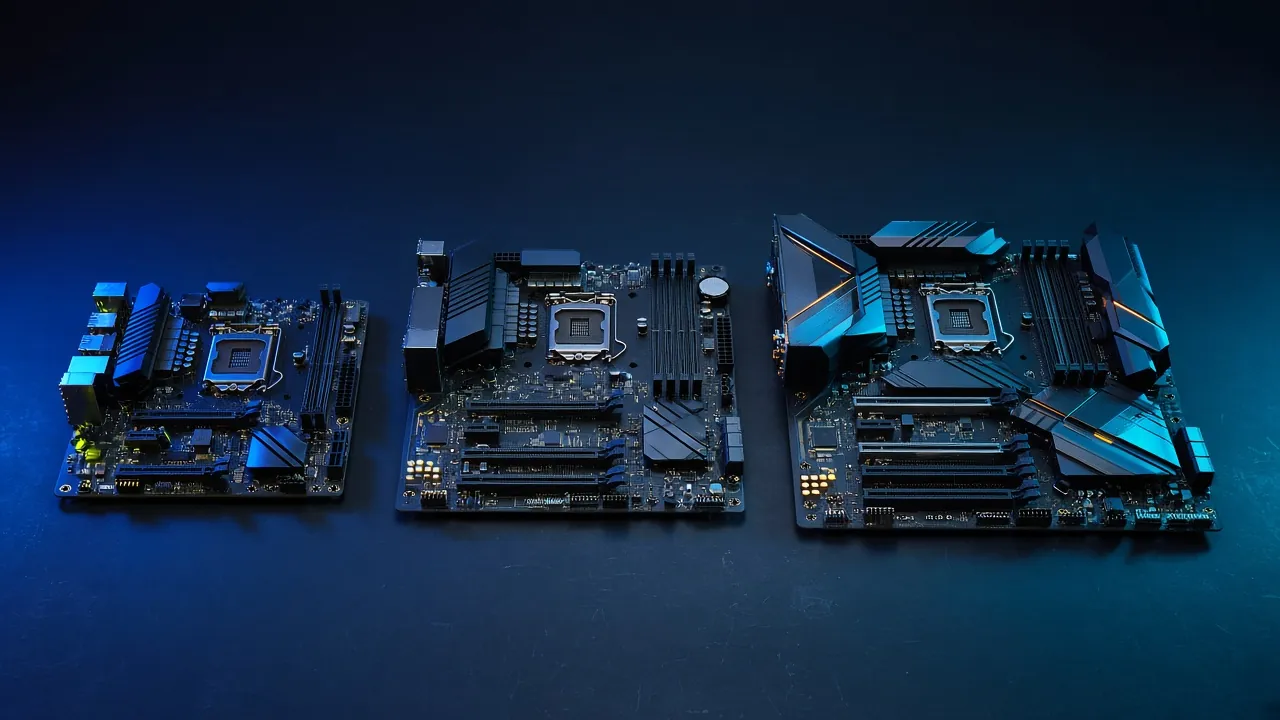
Most gaming PCs run one graphics card, one or two SSDs and a handful of USB devices. A B860, B760, B850 or B650 board covers that, and the money you save can go to a better GPU or more RAM, which you’ll notice in games.
Intel’s own pricing shows the gap starts small: it lists the Z890 chip at $57 and B860 at $31. The much bigger difference in board prices comes from what makers add around a Z or X chipset: heavier power delivery, more M.2 slots, more heatsinks, faster networking and RGB.
Which chipset should you buy?
| Your build | Intel | AMD |
|---|---|---|
| Office, study, home PC | H810 or B860 | A620 or B840 |
| Gaming PC, no overclocking | B860 (or B760 for 12th-14th Gen) | B650 or B850 |
| Gaming plus a PCIe 5.0 SSD | B860 | B850 or B650E |
| Overclocking a K-series or Ryzen 9 | Z890 (or Z790) | B850 with strong VRMs, or X870 |
| Three or more NVMe drives, USB4, 10GbE | Z890 | X870E |
Best for most builders: Intel B860 or AMD B850. Both keep the CPU-connected PCIe 5.0 SSD slot and allow memory profiles, and B850 adds CPU overclocking.
Not ideal for: anyone with a Core i9 K or Ryzen 9 who plans to push clock speeds. Pick a Z890 board or an X870 board with a well-cooled VRM.
Watch out for: budget H810 and A620 boards with thin VRM heatsinks under a 125W chip. They may run the CPU, but they can hold back sustained performance in long renders.
⚠️ Before you spend money: check three things on the board’s spec page, not the box. How many M.2 slots run at full speed together, whether adding an SSD disables a SATA port or shares lanes with the graphics slot, and which CPUs are on the support list for the BIOS version it ships with.
Common mistakes
- Buying a Z board for a non-K CPU. Without a K-series Intel chip, Z-series CPU overclocking does nothing for you.
- Pairing a K-series i9 with the cheapest B760 board. It boots, but a weak VRM can limit sustained clocks. The difference between cores and threads won’t matter if the board can’t feed them.
- Paying extra for PCIe 5.0 graphics. Current cards lose very little on PCIe 4.0 x16.
- Assuming every M.2 slot is equal. Chipset-connected slots share one link to the CPU.
- Forgetting the BIOS. An older AM5 or LGA1700 board may need an update before it recognises a newer CPU.
What to buy
Building on Intel’s 12th to 14th Gen chips? Start with our picks of the best Intel LGA 1700 motherboards, which cover Z790 boards for overclockers. For a Core i9, our i9 13900K motherboard picks include a B760 option for people who don’t plan to overclock.
On AMD, our list of motherboards for the Ryzen 9 7950X3D runs from X670E flagships down to a B650 micro-ATX board. If you’re still choosing the processor, see our guide to CPUs for content creation, and plan the GPU with how to choose a graphics card.
How we researched this
This explainer is research-based, not hands-on tested. Chipset features come from Intel’s Z890 specification page and its B860 and H810 pages, the Intel 700 Series chipset brief and AMD’s AM5 chipset specifications. The PCIe scaling figure comes from TechPowerUp’s RTX 5090 PCIe scaling test. We haven’t benchmarked these boards ourselves. Last checked: 24 November 2026.
Frequently asked questions
What is a motherboard chipset, explained simply?
A motherboard chipset is a chip on the board that connects the processor to extra storage, USB ports, SATA drives and networking. It also sets which features are allowed, such as CPU overclocking. The main graphics slot and first SSD slot usually connect to the CPU directly instead.
Is a B-series motherboard good enough for gaming?
Yes, for most gaming PCs. Intel B860 and B760 and AMD B650 and B850 boards give the graphics card a full x16 slot and support fast memory profiles. You give up CPU overclocking on Intel B boards and some extra SSD and USB capacity, which most gamers never use.
What is the difference between Z890 and B860?
Z890 allows CPU, BCLK and memory overclocking, has up to 24 chipset PCIe 4.0 lanes, a wider DMI x8 link and up to five 20Gbps USB ports. B860 allows memory overclocking only, has up to 14 chipset lanes, a DMI x4 link and up to two 20Gbps USB ports.
What does the E mean in X870E or B650E?
The E stands for Extreme. On AMD boards it means the graphics slot and at least one M.2 SSD slot run at PCIe 5.0. X870E also uses two chipset chips, so it has more USB, SATA and PCIe lanes than plain X870, which uses one.
Does the chipset affect gaming FPS?
Not directly. At stock settings the CPU and graphics card perform the same on a B board and a Z or X board with similar power delivery. TechPowerUp measured about a 1% loss for an RTX 5090 at PCIe 4.0 x16, so even the graphics slot’s PCIe version barely matters.
Can I overclock on a B760 or B860 motherboard?
You can overclock memory with XMP profiles on B760 and B860, but Intel blocks CPU and BCLK overclocking on B and H boards. To raise CPU clocks you need a Z790 or Z890 board and a K-series processor. AMD B650 and B850 boards do allow CPU overclocking.
Will a B650 board work with Ryzen 9000 processors?
Yes. AMD says every AM5 board works with Ryzen 7000, 8000 and 9000 desktop chips. A 600-series board made before Ryzen 9000 launched may need a BIOS update first, so check the board maker’s CPU support list or pick a board with BIOS flashback.
Is H810 or A620 fine for a budget PC?
For office work, study and light gaming, yes. Both skip CPU overclocking, and H810 also drops memory overclocking and limits you to two RAM slots. Avoid pairing them with a high-wattage Core i9 or Ryzen 9, since cheap boards often have small VRM heatsinks.
Do I need PCIe 5.0 on my motherboard?
For the graphics card, not yet; current cards lose very little on PCIe 4.0 x16. A PCIe 5.0 M.2 slot is more useful if you want the fastest SSDs for large file transfers. Intel B860 and AMD B850 both include one connected to the CPU.
Our verdict
With the motherboard chipset explained, the buying rule is short: choose the chipset for the features you’ll use, then choose the board for its power delivery and ports. For most people that means Intel B860 or AMD B850, or a discounted B760 or B650 board.
Pay for Z890 or X870E only if you plan to overclock a K-series or Ryzen 9 chip, run three or more NVMe drives, or need USB4 and 10Gb networking. Before you order, confirm the board’s CPU support list and M.2 lane sharing on the maker’s spec page.