


Choosing the right CPU for video editing shouldn’t feel like decoding a spec sheet. Whether you’re cutting 4K vlogs in Premiere or grading a short film in DaVinci Resolve, the processor decides how long you stare at export bars — and how smoothly your timeline scrubs. This guide cuts through the marketing to the CPUs for video editing that are actually worth buying in 2026, who each one is for, and who should save their money.
⚡ Best CPUs for video editing in 2026 — quick verdict
- Best overall: AMD Ryzen 9 9950X — fastest exports per rupee, 16 Zen 5 cores (~₹57,000)
- Best for Resolve & 3D: Ryzen 9 9950X3D — huge 3D V-Cache kills viewport stutter (~₹65,000)
- Best for Adobe / After Effects: Intel Core Ultra 9 285K — coolest and snappiest UI (~₹58,000)
- Best value: Ryzen 7 9700X — great 1080p/1440p editing on a budget (~₹32,000)
How we chose: research-based, cross-referenced against 2026 production benchmarks (DaVinci Resolve, Blender, Premiere & After Effects) and official AMD/Intel spec sheets. CPU street prices move weekly — figures here were checked June 2026, so verify before buying. This guide has no paid placements or affiliate links; picks are chosen on merit.
Video editing is a crucial aspect of digital content creation, requiring both creativity and technical proficiency. A significant component in achieving the best results is the Central Processing Unit (CPU), which is responsible for the performance of your editing system.
Whether you are previewing your video on the timeline or pressing space to see the output, your computer stops to handle the request. You may use a better GPU to improve rendering, but for video editors who spend hours editing a project, the experience on canvas & timeline matters more than rendering.
While previewing your video on the timeline or pressing the spacebar to view the output, your computer pauses to process the request. By utilizing a more advanced GPU, you can enhance the rendering performance.
However, for video editors dedicating hours to editing a project, the smoothness of the canvas and timeline experience takes priority over rendering capabilities.

The world of CPUs has become more complex, with a range of options available, each offering different benefits. This guide aims to simplify the process of choosing the best CPU for video editing by comparing the top contenders from Intel and AMD.
We will consider factors such as core count, thread performance, software compatibility, and value for money. By the end of this guide, you will have the necessary knowledge to make an informed decision and ensure that your investment meets your video editing needs and expectations.
Whether you’re a professional or a beginner, we’ve got you covered in this post.
Let’s explore the empire of high-performance CPUs and find a flawless processor that aligns with your video editing initiatives in the coming year.
Key Benefits of CPUs for Video Editing
- Fast Rendering: High-performance CPUs can render videos faster, thus making the video editing process more efficient.
- Smooth Playback: A good CPU ensures seamless video playback during the editing phase, reducing lag and stuttering in the preview.
- Improved Multitasking: Video editing often involves running multiple tasks or applications simultaneously. A robust CPU can handle various tasks without slowing down, thereby enhancing the editing process.
- High-Quality Effects: Advanced effects and transitions require heavy computation. A powerful CPU can handle them more efficiently.
- Color Grading and Correction: In-depth color grading and correction are CPU-intensive tasks. A strong CPU can process these adjustments faster.
- Handling High-Resolution Footage: High-definition and 4K video files require more advanced CPUs to handle the larger file size and higher detail.
- Longevity: A high-performance CPU will be able to handle new and heavier software updates for a longer time, making it a wise investment.
- Fast Export: Exporting the final edited video is a CPU-intensive task as well. A capable CPU can significantly speed up this process.
Developing Demands of Video Editing
High-resolution footage and its impact:
- With the advent of technologies like 4K and 8K, video content is now produced in higher resolutions, resulting in more detailed and more explicit visuals.
- This shift to high-resolution footage places a greater demand on the processing capabilities of editing systems, requiring more powerful CPUs to handle the increased data and maintain smooth editing performance.
The need for faster rendering times:
- Rendering is the process of generating the final video output from edited footage. As projects involve more intricate edits and higher resolutions, the time required for rendering also increases.
- Editors now demand faster rendering times to reduce waiting periods and enhance workflow efficiency. A CPU with higher clock speeds and efficient processing becomes crucial to achieve quicker rendering without compromising quality.
Importance of multitasking capabilities:
- Video editing involves a multitude of tasks simultaneously, such as cutting, color grading, and audio editing. Multitasking capabilities refer to a CPU’s ability to handle multiple processes at the same time.
- The section emphasizes the significance of CPUs with strong multitasking capabilities. This ensures that editors can seamlessly switch between various editing tasks without experiencing performance lags, contributing to a more efficient and streamlined editing process.
Critical Considerations in CPU Selection

Clock Speed and its Impact on Editing Performance:
Clock speed refers to how fast a CPU can execute instructions per second, measured in gigahertz (GHz). In video editing, higher clock speeds generally lead to faster processing of individual tasks.
When editing videos, tasks like applying effects, transitions, or rendering benefit from a higher clock speed as it allows these processes to be completed more quickly. A CPU with a higher clock speed is crucial for reducing the time it takes to perform these operations, contributing to an overall smoother editing experience.
Core Count and Parallel Processing:
Core count refers to the number of processing units within a CPU. In video editing, a higher core count enables the CPU to handle multiple tasks simultaneously. Video editing software often supports parallel processing, where different cores can work on separate tasks concurrently.
For example, while one core is rendering a video, another core can be used for real-time playback or applying effects. A CPU with more cores is advantageous for multitasking during the editing process, significantly improving efficiency and reducing the time required for complex edits.
Compatibility with Editing Software:
Compatibility with editing software is a critical factor in CPU selection. Different video editing applications may have specific requirements or optimizations for certain CPU architectures.
Choosing a CPU that works seamlessly with the editing software you plan to use is essential. Compatibility ensures that you can take full advantage of the CPU’s capabilities and that the software can efficiently utilize the processing power provided by the CPU.
Before making a purchase, it’s advisable to check the recommended system requirements of your chosen editing software and ensure they align with the specifications of the CPU you intend to use.
Compatibility with Motherboard
If you already have a motherboard or, in other words, are looking to buy a CPU for the existing motherboard, then you should check the CPU compatibility with your motherboard. Your motherboard should have the socket to support the CPU. Your old motherboard may not be compatible with the latest CPUs.
The Best CPUs to Consider in 2026
Before we begin, let me share with you the recommended CPU requirement for the industry-leading video editing software.
- Intel 11th Generation or newer CPU with Quick Sync – or AMD Ryzen 3000 Series, Threadripper 2000 series, or newer CPU
The above is the recommended CPU requirement for Premiere Pro, so any processor with more than that capability will suffice for all your video editing requirements.
| CPU | Best for | Cores / Threads | Price (₹ / $) |
|---|---|---|---|
| Ryzen 9 9950X | Fastest all-round editing | 16C / 32T | ₹57,000 / $649 |
| Ryzen 9 9950X3D | DaVinci Resolve, Blender, 3D | 16C / 32T | ₹65,000 / $699 |
| Core Ultra 9 285K | After Effects, Adobe responsiveness | 24C (8P+16E) / 24T | ₹58,000 / $589 |
| Ryzen 7 9700X | Best value, 1080p/1440p | 8C / 16T | ₹32,000 / $359 |
AMD Ryzen 9 9950X
The Ryzen 9 9950X is, for most editors in 2026, the CPU to beat. Its 16 Zen 5 cores chew through 4K and multicam timelines, exports, and Blender renders faster than anything near its price — and it does so more efficiently than Intel’s flagship under sustained load.
In 2026 production benchmarks it exported 20-minute 4K projects roughly 40% faster than Intel’s Core Ultra 9 285K in CPU-heavy tasks. Best for: anyone whose day is spent waiting on render and export bars. Watch out for: it runs hot under all-core loads, so budget for a strong 280–360mm liquid cooler.
Suggestion:
These pair beautifully with the Ryzen 9 9950X for fast, stable editing:
- Motherboard: ASUS ROG Strix X870E-E, MSI MAG X870 Tomahawk WiFi
- GPU: NVIDIA RTX 5080 / RTX 5070 Ti
| Feature | Specification |
|---|---|
| Launch Date | Q3 2024 |
| Architecture | Zen 5 (4nm) |
| Cores and Threads | 16 Cores, 32 Threads |
| Clockspeed (Base) | 4.3 GHz |
| Clockspeed (Boost) | Up to 5.7 GHz |
| L3 Cache | 64 MB (80 MB total) |
| Max Power | 170 W TDP (~230 W peak) |
| Memory | DDR5-5600 (higher with EXPO) |
| Socket | AM5 |
| Price (India) | ~₹57,000 / $649 |
AMD Ryzen 9 9950X3D
Same 16 Zen 5 cores as the 9950X, but with a 64MB stack of 2nd-gen 3D V-Cache (128MB L3 total). That enormous cache smooths heavy DaVinci Resolve node graphs and complex Blender viewports, killing the micro-stutter you get scrubbing large project files. It’s also the best chip here if you game seriously between edits.
Best for: Resolve colorists, motion/3D artists, and editors who also game. Here’s the catch: it costs more than the 9950X for roughly the same export times — only worth the premium if your software genuinely loves cache.
| Feature | Specification |
|---|---|
| Launch Date | Q1 2025 |
| Architecture | Zen 5 + 2nd-Gen 3D V-Cache (4nm) |
| Cores and Threads | 16 Cores, 32 Threads |
| Clockspeed (Base) | 4.3 GHz |
| Clockspeed (Boost) | Up to 5.7 GHz |
| L3 Cache | 128 MB (145 MB total) |
| Max Power | 170 W TDP (~230 W peak) |
| Memory | DDR5-5600 |
| Socket | AM5 |
| Price (India) | ~₹65,000 / $699 |
Intel Core Ultra 9 285K
Intel’s Arrow Lake flagship trades a little raw render speed for snappy, responsive interaction. With 24 cores (8 performance + 16 efficiency) it stays noticeably cooler — it peaked around 78°C versus the AMD chips’ ~92°C in 2026 testing — and feels fastest in active, single-thread-heavy work like scrubbing After Effects comps and live previews.
Best for: motion designers and Premiere/After Effects-first editors who value a responsive UI over the last 10% of export speed. Watch out for: it needs a new LGA 1851 motherboard and trails the 9950X in pure multicore exports.
Suggestion:
Recommended pairings for the Core Ultra 9 285K:
- Motherboard: ASUS ROG Strix Z890-E, MSI MPG Z890 Carbon WiFi
- GPU: NVIDIA RTX 5080
| Feature | Specification |
|---|---|
| Launch Date | Q4 2024 |
| Architecture | Arrow Lake (TSMC N3B) |
| Cores and Threads | 24 Cores (8P + 16E), 24 Threads |
| Clockspeed (Base) | 3.7 GHz |
| Clockspeed (Boost) | Up to 5.7 GHz |
| Cache | 36 MB Intel Smart Cache |
| Max Power | 125 W base / 250 W max turbo |
| Memory | DDR5-6400 |
| Socket | LGA 1851 |
| Price (India) | ~₹58,000 / $589 |
AMD Ryzen 7 9700X
Not everyone needs 16 cores. The 8-core Zen 5 Ryzen 7 9700X handles 1080p and most 1440p editing smoothly, runs cool on a 65W TDP, and costs roughly a third of the flagships. For hobbyists and creators who don’t render all day, it’s the value sweet spot.
Best for: YouTubers, students, and part-time editors working in 1080p or light 4K. Skip it if: you handle heavy 4K multicam or 3D — step up to the 9950X.
| Feature | Specification |
|---|---|
| Launch Date | Q3 2024 |
| Architecture | Zen 5 (4nm) |
| Cores and Threads | 8 Cores, 16 Threads |
| Clockspeed (Base) | 3.8 GHz |
| Clockspeed (Boost) | Up to 5.5 GHz |
| L3 Cache | 32 MB |
| Max Power | 65 W TDP |
| Memory | DDR5-5600 |
| Socket | AM5 |
| Price (India) | ~₹32,000 / $359 |
The processors below were our previous top picks. They’re now a generation or two old, but with prices falling they remain genuinely good value for editors on a budget — just know you’re trading some efficiency and speed for the savings.
Intel Core i9-13900K
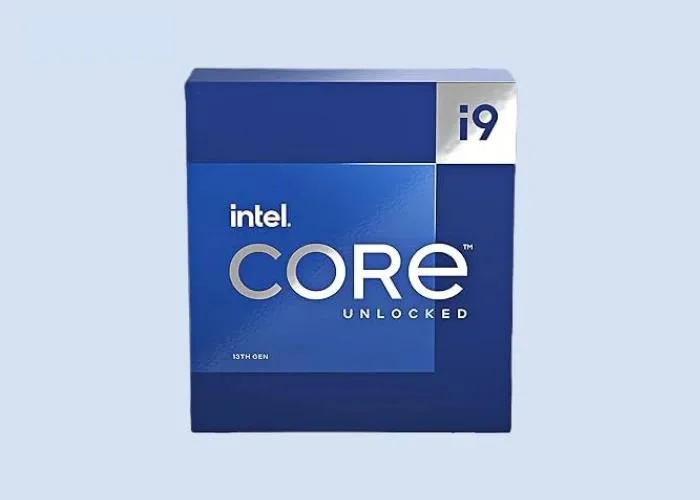
The Intel Core i9-13900K is a high-performance processor from Intel’s 13th generation Alder Lake series. Tailored for enthusiasts and professionals, it boasts a robust core and thread count, elevated clock speeds (especially with its unlocked “K” designation for overclocking), ample cache for quick data retrieval, and potentially integrated graphics.
These are very minor differences in i9 13900k & i9 14900k, and those too are unnoticeable. The AI and bit of clock speed are enhanced in the 14th gen. Keep in mind that you may require a compatible motherboard for i9 13900k, considering the power and support it needs.
The i9 series is renowned for its multitasking prowess and suitability for demanding computing tasks, making it a top choice for users seeking exceptional processing power.
Suggestion:
The below MotherBoard and GPU are the best for Intel Core i9-13900K, which makes its performance high.
- Motherboard: ASUS ROG Maximus Z790 Hero, MSI MPG Z790 Tomahawk WiFi
- GPU: NVIDIA GeForce RTX 4090, NVIDIA GeForce RTX 4070ti
| Feature | Specification |
|---|---|
| Launch Date | Q4’22 |
| Integrated GPU | Intel® UHD Graphics 770 |
| Clockspeed (Base) | 3.0 GHz |
| Clockspeed (Max, Boost) | Up to 5.8 GHz (Max Precision Boost) |
| Lithography | 7nm |
| Max Power | 253 Watts |
| Memory | DDR5 5600 MT/s and DDR4 3200 MT/s |
| Cores and Threads | 24 Cores, 32 Threads |
| L3 Cache | 36 MB |
| Socket | LGA 1700 |
AMD Ryzen 9 5950X
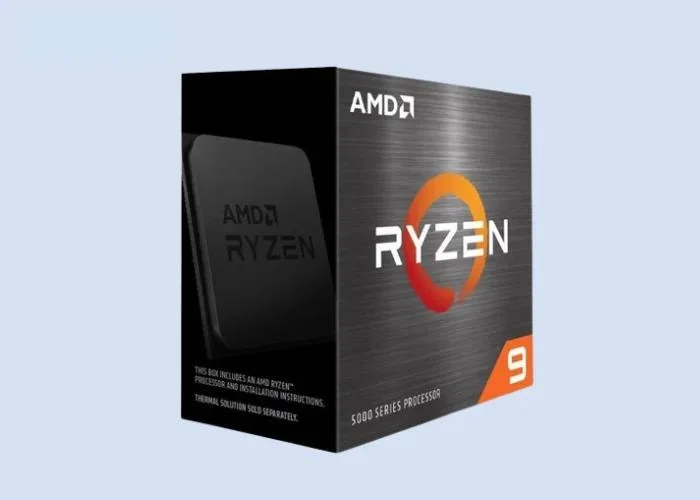
The AMD Ryzen 9 5950X is a high-end CPU known for its exceptional performance in handling resource-intensive tasks. With 16 cores and 32 threads, it’s a powerhouse that excels in demanding video editing scenarios.
Its multi-core capability allows for seamless processing of complex edits, making it a top choice for professionals dealing with high-resolution footage and intricate projects.
AMD processors are not only for gaming but are also suitable for creators. Ryzen’s 5950x is a powerful contender that beats most intel processors in terms of performance and affordability.
AMD processors are also power efficient and work closely with the graphic cards to give users a seamless gaming experience. However, due to value sentiments, most people tend to choose Intel over AMD.
Suggestion:
This MotherBoard and GPU are the best for AMD Ryzen 9 5950X, which makes its performance high.
- Motherboard: Gigabyte X570 AORUS Master, ASUS ROG Crosshair VIII Dark Hero
- GPU: RTX 3070, RX 6700 XT, RTX 3080 Ti
| Feature | Specification |
|---|---|
| Launch Date | November 5, 2020 |
| Integrated GPU | None (Requires dedicated graphics card) |
| Clockspeed (Base) | 3.4 GHz |
| Clockspeed (Max, Boost) | Up to 4.9 GHz (Max Precision Boost) |
| Lithography | 7nm |
| Max Power | 105 Watts |
| Memory | Dual-channel DDR4-3200 |
| Cores and Threads | 16 Cores, 32 Threads |
| L3 Cache | 64 MB |
| Socket | AM4 |
Intel Core i9-12900K
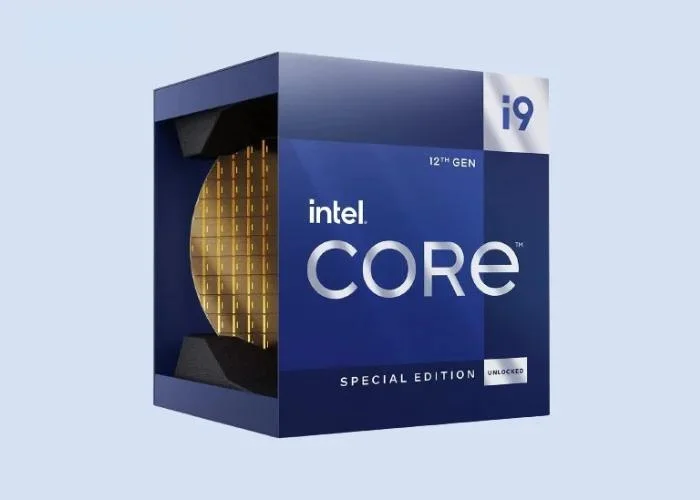
The Intel Core i9-12900K is a processor that pushes the boundaries of editing speed. Its unique core configuration, including both high-performance and high-efficiency cores, enables it to deliver remarkable performance.
This CPU is designed to handle multitasking with ease, making it an excellent choice for video editors who require swift rendering times and efficient workflow.
Packed with 16 cores and 24 threads, the CPU offers unbeatable performance in video editing. It can run software like Premiere Pro, Davinci Resolve, After Effects, Camtasia & Lightworks pretty smoothly.
Suggestion:
This MotherBoard and GPU are the best for Intel Core i9-12900K, which makes its performance high.
- Motherboard: ASUS ROG Maximus Z690 Hero, MSI MPG Z690 Carbon WiFi
- GPU: NVIDIA GeForce RTX 3080, AMD Radeon RX 6700 XT
| Feature | Specification |
|---|---|
| Launch Date | November 2021 |
| Integrated GPU | Intel Xe Graphics (32 EUs) |
| Clockspeed (Base) | 3.2 GHz |
| Clockspeed (Turbo) | 5.2 GHz (1-2 cores), 5.0 GHz (3-8 cores) |
| Overclocking Support | Yes |
| Lithography | 10nm SuperFin |
| Max Power | 241W |
| Memory Support | DDR5-6400, DDR4-6400 |
| Cores/Threads | 16 Cores / 24 Threads |
| L3 Cache | 30 MB |
| Socket | LGA 1700 |
AMD Ryzen 7 5800X
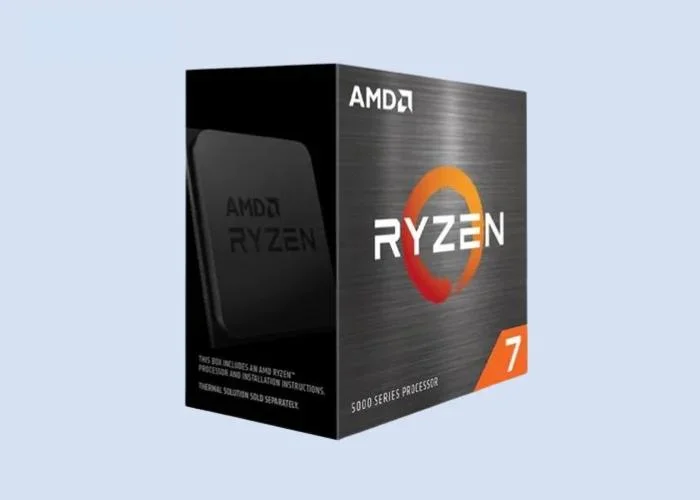
The AMD Ryzen 7 5800X strikes a balance between performance and cost, making it an attractive choice for users on a budget. With 8 cores and 16 threads, it offers commendable processing power without breaking the bank.
This CPU is ideal for those who seek a cost-effective solution without compromising significantly on editing capabilities.
Suggestion:
This MotherBoard and GPU are the best for AMD Ryzen 7 5800X, which makes its performance high.
- Motherboard: MSI MAG X570 Tomahawk WIFI, ASUS ROG Strix X570-E Gaming WIFI
- GPU: NVIDIA GeForce RTX 4080, NVIDIA GeForce RTX 3070 Ti
| Parameter | Information |
|---|---|
| Launch Date | November 5, 2020 |
| Integrated GPU | None |
| Clockspeed (Base) | 3.8 GHz |
| Clockspeed (Max, OC) | 4.7 GHz |
| Lithography | 7nm |
| Max Power | 105 Watts |
| Memory | DDR4-3200 (Dual Channel) |
| Cores and Threads | 8 Cores, 16 Threads |
| L3 Cache | 32 MB |
| Socket | AM4 |
Intel Core i5-12600K
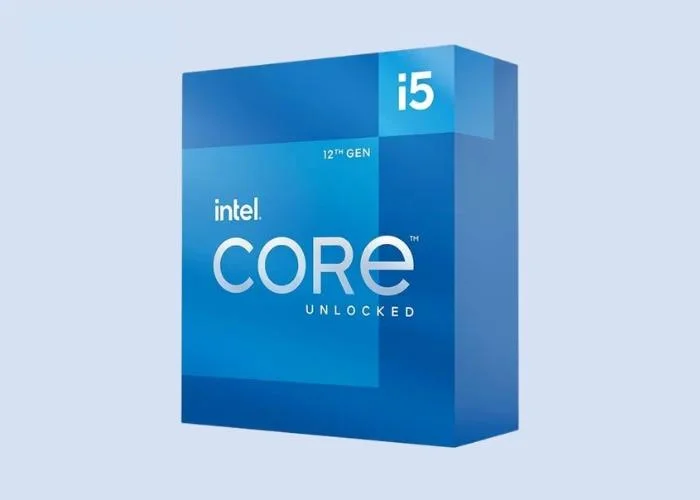
Positioned as a solid mid-range option, the Intel Core i5-12600K is designed to cater to users with moderate editing needs. Its combination of performance and affordability makes it an appealing choice for those looking for a reliable CPU that can handle video editing tasks without stretching the budget.
This CPU is well-suited for users who engage in video editing as a hobby or as part of their routine without requiring extreme processing power.
Suggestion:
This MotherBoard and GPU are the best for Intel Core i9-12900K, which makes its performance high.
- Motherboard: MSI MPG Z690 Carbon WiFi, ASUS ROG Strix Z690-F
- GPU: NVIDIA GeForce RTX 3070 Ti, NVIDIA GeForce RTX 3080 Ti
| Parameter | Specification |
|---|---|
| Launch Date | Q4 2021 |
| Integrated GPU | Intel UHD Graphics 770 |
| Clockspeed (Base) | 3.7 GHz |
| Clockspeed (Max Turbo) | 4.9 GHz |
| Lithography | 10nm SuperFin |
| Max Power | 150 Watts |
| Memory Support | DDR4-3200, DDR5-6400 (Dual-channel) |
| Cores and Threads | 10 Cores, 16 Threads |
| L3 Cache | 12 MB |
| Socket | LGA 1700 |
Overcoming Common Challenges

Video editing, especially with high-resolution content, can present challenges that impact both performance and user experience. Addressing these challenges is crucial for ensuring a smooth and efficient editing process.
Cooling Solutions for Extended Editing Sessions
Intensive video editing tasks can put a significant strain on your CPU, leading to increased heat generation. To overcome this, it’s essential to implement effective cooling solutions. Investing in a high-quality cooling system, such as liquid cooling or advanced air cooling, helps dissipate heat efficiently, preventing thermal throttling and ensuring sustained performance during extended editing sessions.
Cooling solutions also contribute to the longevity of your CPU, preventing overheating-related damage. Regular maintenance, such as cleaning dust from cooling components, further enhances the effectiveness of these solutions.
Compatibility Issues and Troubleshooting Tips
As the software and hardware landscape evolves, users may encounter compatibility issues between their chosen CPU and other components or software applications. To overcome these challenges, consider the following troubleshooting tips:
- Update Drivers and Firmware: Ensure that all device drivers, including those for your CPU and other hardware components, are up to date. Manufacturers often release updates to improve compatibility and address known issues.
- Check Software Updates: Keep your editing software and operating system up to date. Developers frequently release updates to enhance performance, introduce new features, and address compatibility issues.
- Verify Hardware Compatibility: Before making a purchase, confirm that your chosen CPU is compatible with your motherboard, RAM, and other essential components. Check the manufacturer’s specifications and compatibility lists to avoid any surprises.
- Community Forums and Support: Online forums and communities often provide valuable insights into common compatibility issues. Engage with the community to seek advice, share experiences, and find solutions to specific problems.
- Test in Stages: When upgrading or building a new system, test components in stages. This approach allows you to identify the source of compatibility issues more easily. Start with essential components and gradually add others while monitoring for any issues.
Case Studies: Professional Editors Speak

Insights from Industry Professionals Using Specific CPUs:
- Purpose: This part aims to provide firsthand accounts from professionals who actively use specific CPUs in their day-to-day video editing tasks.
- Approach: We interview professionals from diverse backgrounds in the video editing field, such as film editors, content creators, and multimedia specialists.
- Content: The professionals share their experiences, opinions, and perspectives on how the chosen CPUs have influenced their editing processes.
Real-World Applications and Success Stories:
- Purpose: This section is dedicated to showcasing practical applications of the selected CPUs, emphasizing real-world scenarios where these processors have excelled.
- Approach: We present case studies that highlight successful projects, creative achievements, and notable accomplishments attributed to the use of specific CPUs.
- Content: The narratives include details on challenges overcome, improvements in efficiency, and any distinctive features of the CPUs that contributed to the success of the projects.
FAQs
Which CPU is best for video editing in 2026?
The AMD Ryzen 9 9950X is the best all-round pick — it exports faster than anything near its price. Choose the 9950X3D if you live in DaVinci Resolve or do 3D, the Intel Core Ultra 9 285K if you’re Adobe/After Effects-first, and the Ryzen 7 9700X if you’re editing 1080p on a budget.
AMD or Intel for video editing?
AMD generally wins exports, rendering, and power efficiency, while Intel’s Core Ultra chips feel snappier in After Effects and run cooler. Pick by your main app: rendering and exporting all day favours AMD; interactive motion and Adobe work slightly favours Intel.
How many cores do I need for video editing?
For 1080p, 6–8 cores is plenty. For 4K multicam or 3D work, aim for 12–16 cores. Beyond 16 cores you hit diminishing returns for most editing, so spend the extra budget on RAM, fast NVMe storage, and a better GPU instead.
Is the Ryzen 9 9950X3D worth it over the 9950X for editing?
Only if your software loves cache. DaVinci Resolve, Blender, and games benefit from the 9950X3D’s 128MB of 3D V-Cache, but for pure Premiere exports the two are nearly identical — so most editors should save money with the standard 9950X.
Do I need a dedicated GPU for video editing, or is a powerful CPU enough?
Both matter. The CPU handles encoding and timeline logic, but a dedicated GPU dramatically speeds up playback, effects, and exports in Resolve and Premiere. Pair a strong CPU with a capable GPU — see our high-end GPU guide for current picks.
How much RAM do I need alongside the CPU?
32GB is the minimum for comfortable 4K editing in 2026, and 64GB is worth it for heavy multicam, motion graphics, or large Resolve projects. Fast DDR5 helps Ryzen chips in particular, so enable EXPO/XMP in the BIOS.
Are there budget-friendly CPUs that still edit well?
Yes. The Ryzen 7 9700X is the best new value pick, and older chips like the Ryzen 7 5800X or Intel Core i5-12600K still handle 1080p editing fine for less money. Just don’t expect flagship 4K export speeds from them.
How do I stop my editing CPU from overheating?
Use a quality cooler matched to the chip: a 280–360mm AIO liquid cooler for 16-core parts like the 9950X, or a strong dual-tower air cooler. Good case airflow and occasional dust cleaning matter just as much as the cooler itself.
How do I future-proof my video editing CPU?
Buy into a socket with a roadmap. AMD’s AM5 platform is supported through at least 2027, so a Ryzen 9000 chip can be upgraded later without a new motherboard. Intel’s LGA 1851 is newer but has a shorter confirmed upgrade path.
Conclusion
So which CPU should actually go in your edit rig? For most people building in 2026, the Ryzen 9 9950X is the smart buy — it exports faster than anything near its price and leaves budget for a better GPU and more RAM. If you live in DaVinci Resolve or do 3D work, the 9950X3D’s giant cache is worth the premium. Adobe-first motion designers will love how cool and responsive the Core Ultra 9 285K stays. And if you’re editing 1080p on a budget, the Ryzen 7 9700X does most of the job for a third of the price.
One honest warning before you spend: a fast CPU starves without fast storage and enough RAM. Pair any of these with 32–64GB of DDR5 and an NVMe scratch drive, and don’t cheap out on cooling. Next step — match your pick to a compatible motherboard and a capable GPU (start with our best high-end GPUs guide) and your edit machine is sorted.